Search
Results for “calender”
13 results · Page 2 of 2
-
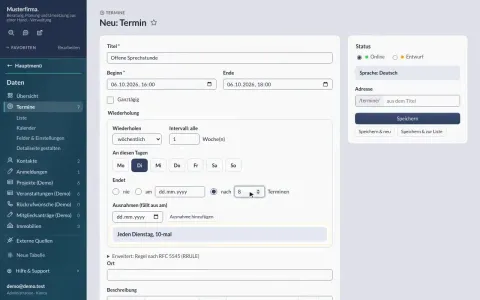
Creating a recurring event
…calendar and on the website. Open it on the website: while signed in you can change the event right on its detail page. Switch to “Bearbeiten” (edit) at the top…
-
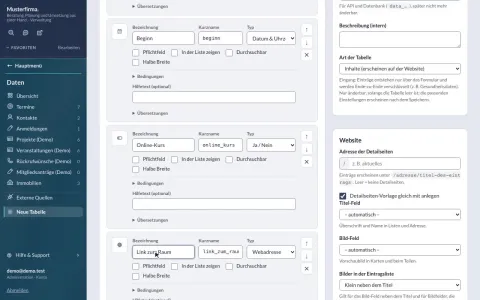
Creating a data table
…Calendar: in “Felder & Einstellungen” (fields & settings) tick “Als Kalender nutzen” and choose the “Beginn” field. Now the table has a calendar view, repetitions…
-
Open photo workshop (demo)
Invented date: every Thursday for twelve weeks – one entry with a recurrence rule, the calendar lists every date.