#webmitsystem
Web with a system.
KLXM Studio is our state-of-the-art open-source CMS – for websites, content and data. AI on board (optional, even local), passkeys instead of password pain, cookie-free out of the box. For developers, agencies, marketing and editors.
Trailer · 1:40
Show transcript: Trailer: KLXM Studio
Websites, content and administration: in one system. Several kits, one shared core. Fluid adapts to any width. From magazine … … to workshop. New: modern, glas and nature. New heroes and headers in every kit. Landing pages on their own domain. Light or dark, on every device. Editing happens right on the page. Format text with highlighter and colours. Images come from the media library. The AI suggests, you decide. New blocks in one click, like key figures. Publish. Done. The dashboard shows what needs doing. Every area has its own colour. Media with collections and tags. Build your own blocks, with live preview. Colours, type and navigation. Roles, two-factor and passkeys. The AI drafts whole pages and tables. Across the network: every website at a glance. KLXM Studio. Open source.
- bundled kits – incl. starter kit
- 9
- icons in 23 topics
- 511
- cookies out of the box
- 0
- CSS on the home page
- < 30 KB
Why not a builder
Not a website builder. A foundation.
Your own installation, your own data, a clear structure – and open to whatever comes next.
Typical website builder
- Hosting, templates and data stay with the provider
- Drag and drop, page by page
- Content as layout – hard to reuse
- Extensions only as far as the provider allows
- Moving means rebuilding
KLXM Studio
- Your own installation, your own data – SQLite or MySQL/MariaDB: your database
- Kits as code, with budgets and accessibility built in
- Structured content: blocks with fields, data tables, stable links
- Extensible via block builder, REST API and MCP
- MIT licence: no lock-in, free to use – including commercially; ordinary PHP hosting
Who is it for?
One system, four perspectives.
-
Developer
Framework-free PHP 8.4, REST API (OpenAPI 3.1), MCP server and command line. Kits and blocks as code – or in the block builder without PHP.
Tech stack & extensions: Developer -
Agencies
Many websites from one installation: network admin with single sign-on, media pools, shared tables, landing domains, support and knowledge base, team chat, feature scope and app icon per website.
For agencies: Agencies -
Marketing
Landing pages with their own domain, SEO fields and JSON-LD, KLXM Ai for copy, translation and SEO, fast pages thanks to budgets – and cookie-free out of the box: consent only once you add services such as analytics (Consent Kit).
For marketing: Marketing -
Editors
Edit right on the page, drafts and versions, review queue “Submitted”, assistant, media library with alt texts and captions – plus video tutorials here on the website and as text in every installation’s help.
For editors: Editors
No-code for editors
Tables that think along.
A table becomes a form, an encrypted inbox, a calendar and a page on the website – without a single line of code.
-
Table
Fields, relations, groups, recurrence
-
Form
From the table, with cookie-free spam protection
-
Inbox
Encrypted, readable only with your key
-
Calendar
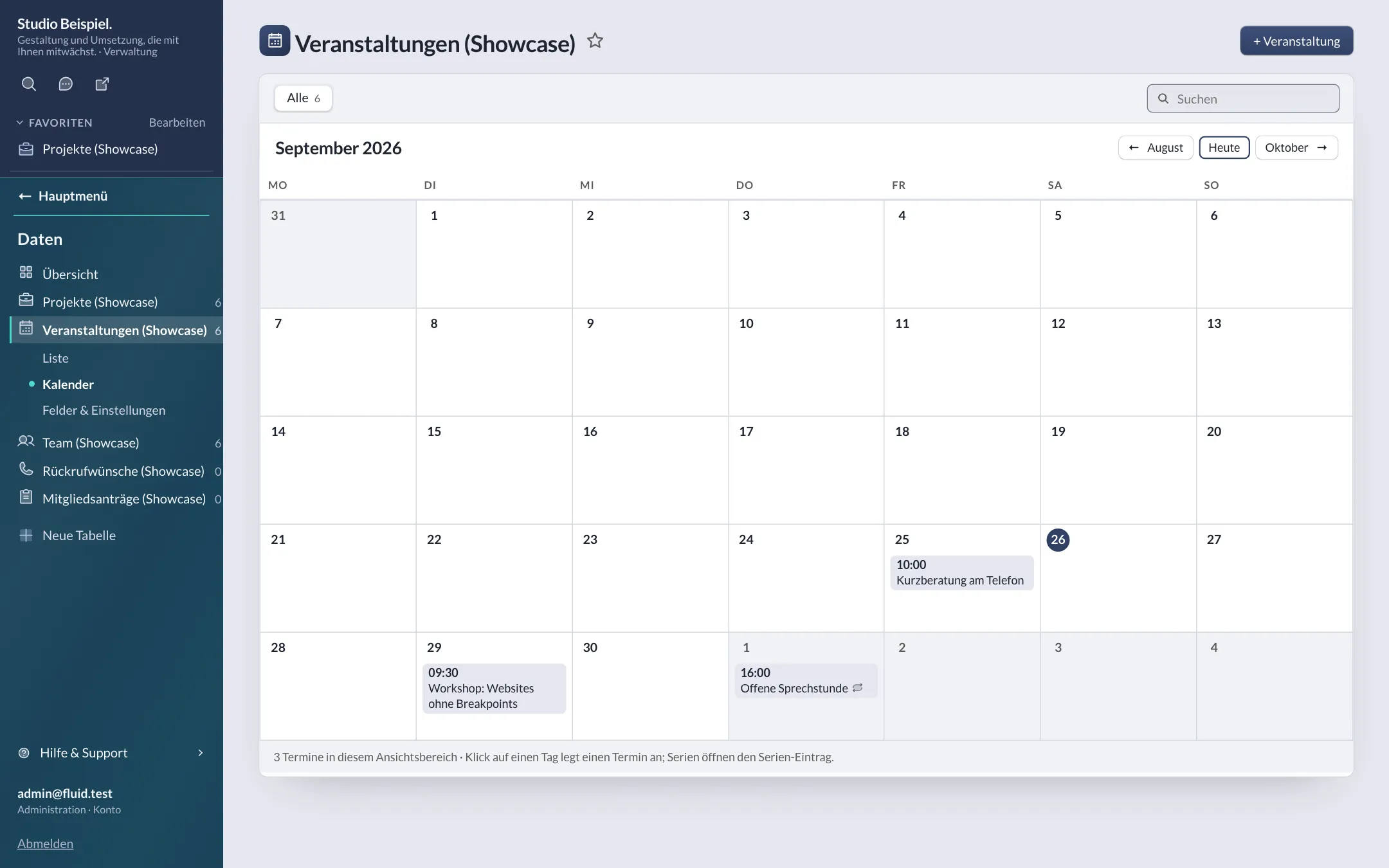
Month view, iCal, sync with calendar apps
-
Website
Lists and detail pages – automatically
For developers
Make it your system.
PHP 8.4 without a framework, kits and blocks as code, extensions with routes, permissions and CLI commands, REST API and MCP server – the tech stack at a glance.
Principles
Open where it connects. Closed where it protects.
-
Open to sources
Content enters the system through documented channels.
- External sources: RSS, Atom, JSON, XML and OpenImmo 1.2 into data tables
- REST API with OpenAPI 3.1
- MCP server for AI assistants
- Data tables with 23 field types and public forms
- Optionally for review: changes via API and MCP land in “Submitted”
-
Open to the outside
Open licence, open formats – nothing is locked in.
- Open source under the MIT licence
- JSON via the REST API
- sitemap.xml per domain
- Structured data as JSON-LD (schema.org)
-
Secure inside and out
Security is a default, not an add-on.
- Passkeys and two-factor sign-in, mandatory per role
- Roles and permissions, data rights per table
- Content Security Policy without inline scripts
- No external CDNs
Encryption is part of the DNA.
- Form requests are encrypted on submission – the private key is never stored on the server.
- The mail password is stored encrypted; API tokens only as a hash.
- Uploaded images are re-encoded without EXIF/GPS data; maps and video thumbnails come through our own proxy.
Features
Everything you need. Nothing you don’t.
-
On-page editing
Blocks with fields, inline editing, drafts, publishing and versions.
Content & blocks: On-page editing -
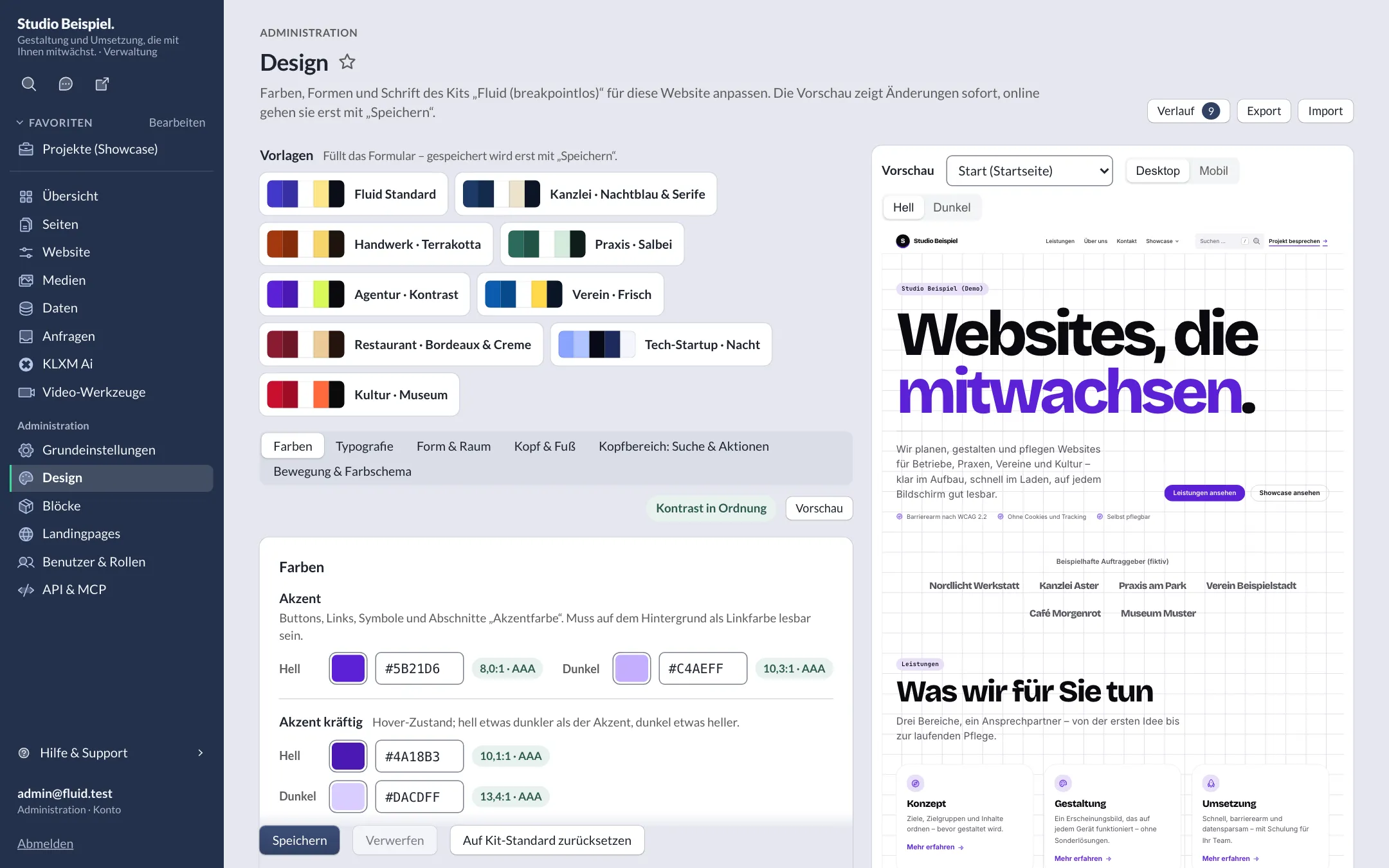
Kits & style editor
Nine kits, design tokens with contrast checks, light and dark.
Kits & design: Kits & style editor -
Data & media
Custom tables without code, media library, captions and encrypted requests.
Data & media: Data & media -
KLXM Ai
Optional: write, translate, alt texts – also locally with Ollama.
KLXM Ai: KLXM Ai -
Multisite & network
Many websites, one installation, central admin with single sign-on.
Network: Multisite & network -
Security & privacy
Passkeys, two-factor, strict CSP – cookie-free out of the box.
Security: Security & privacy
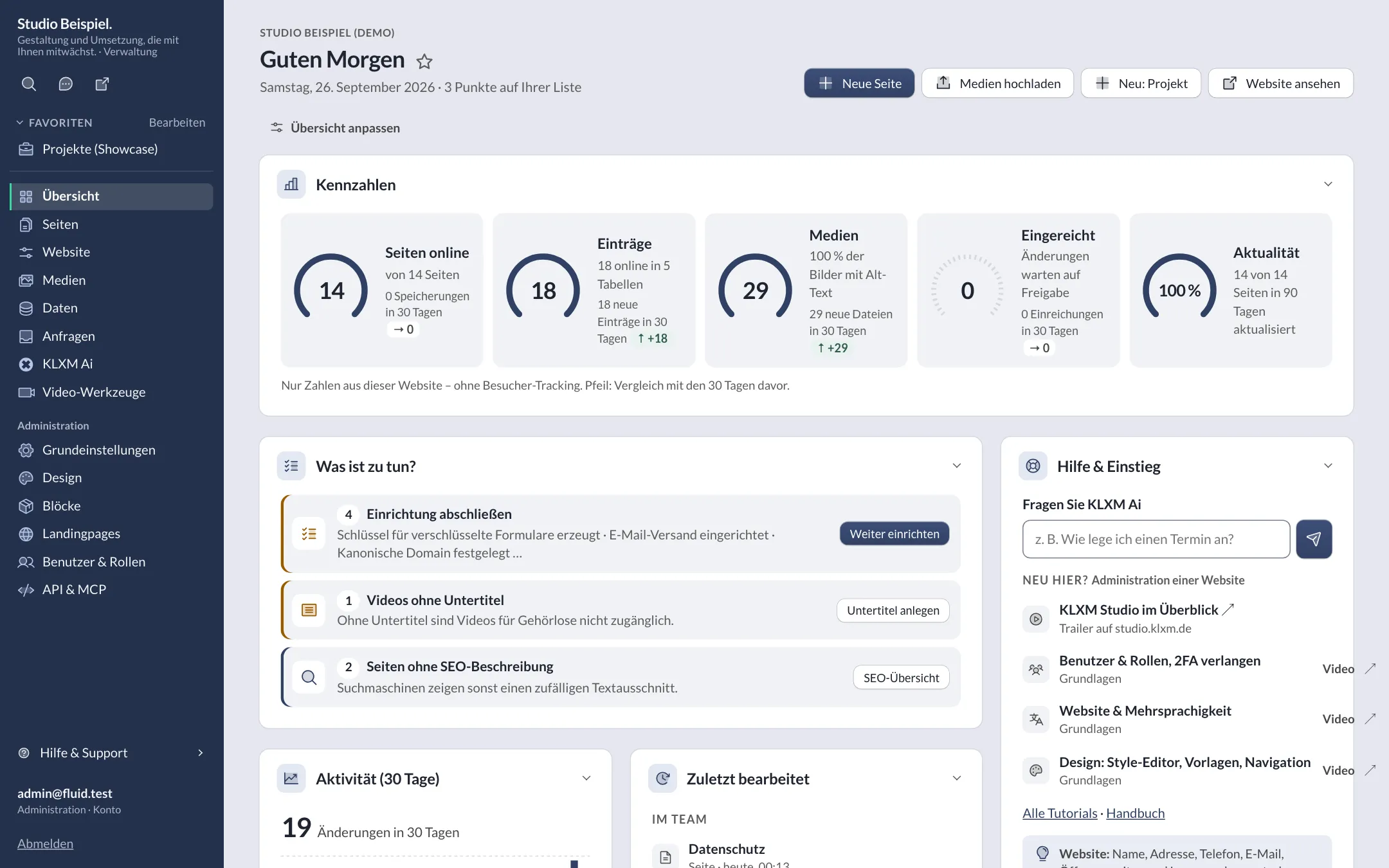
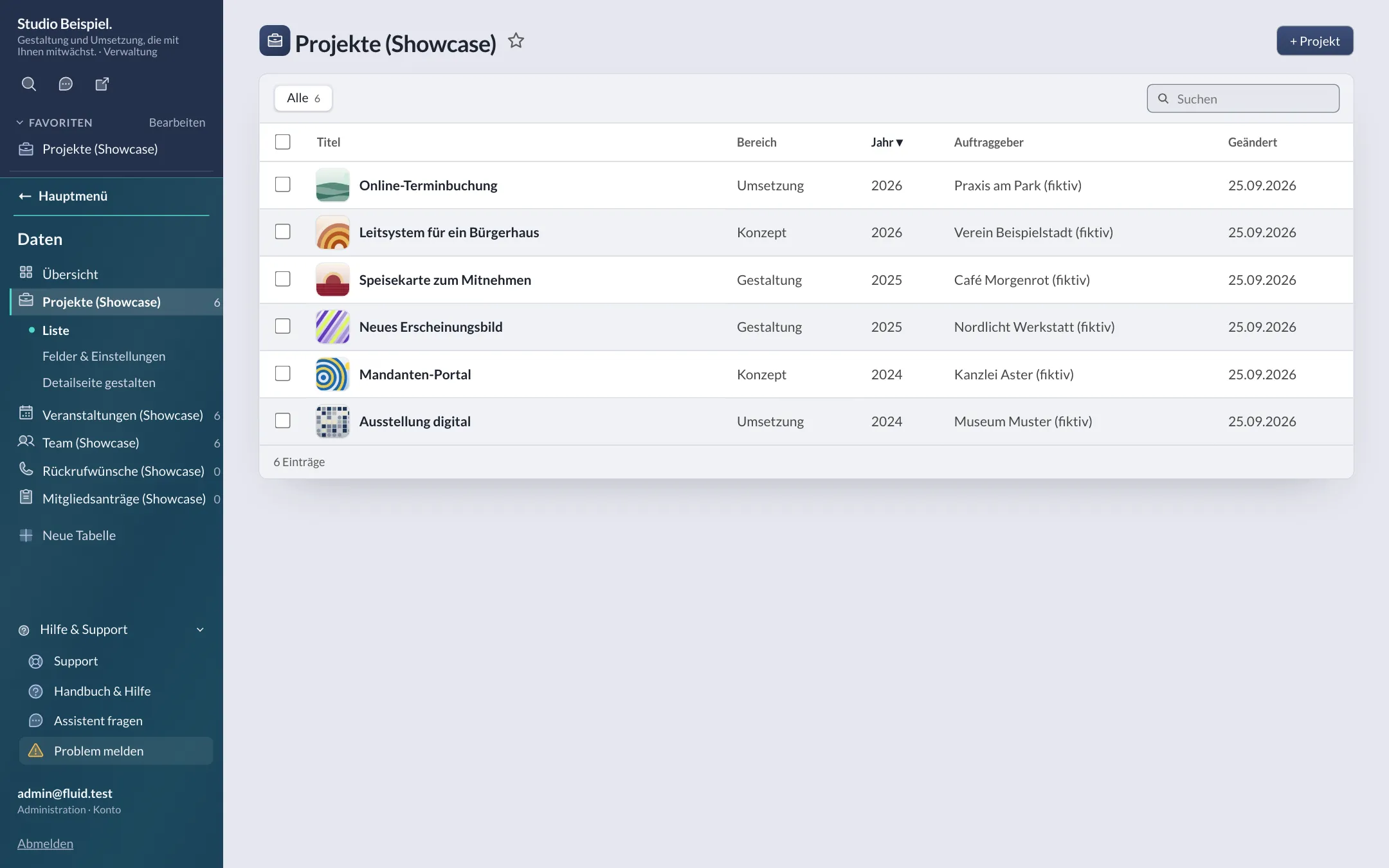
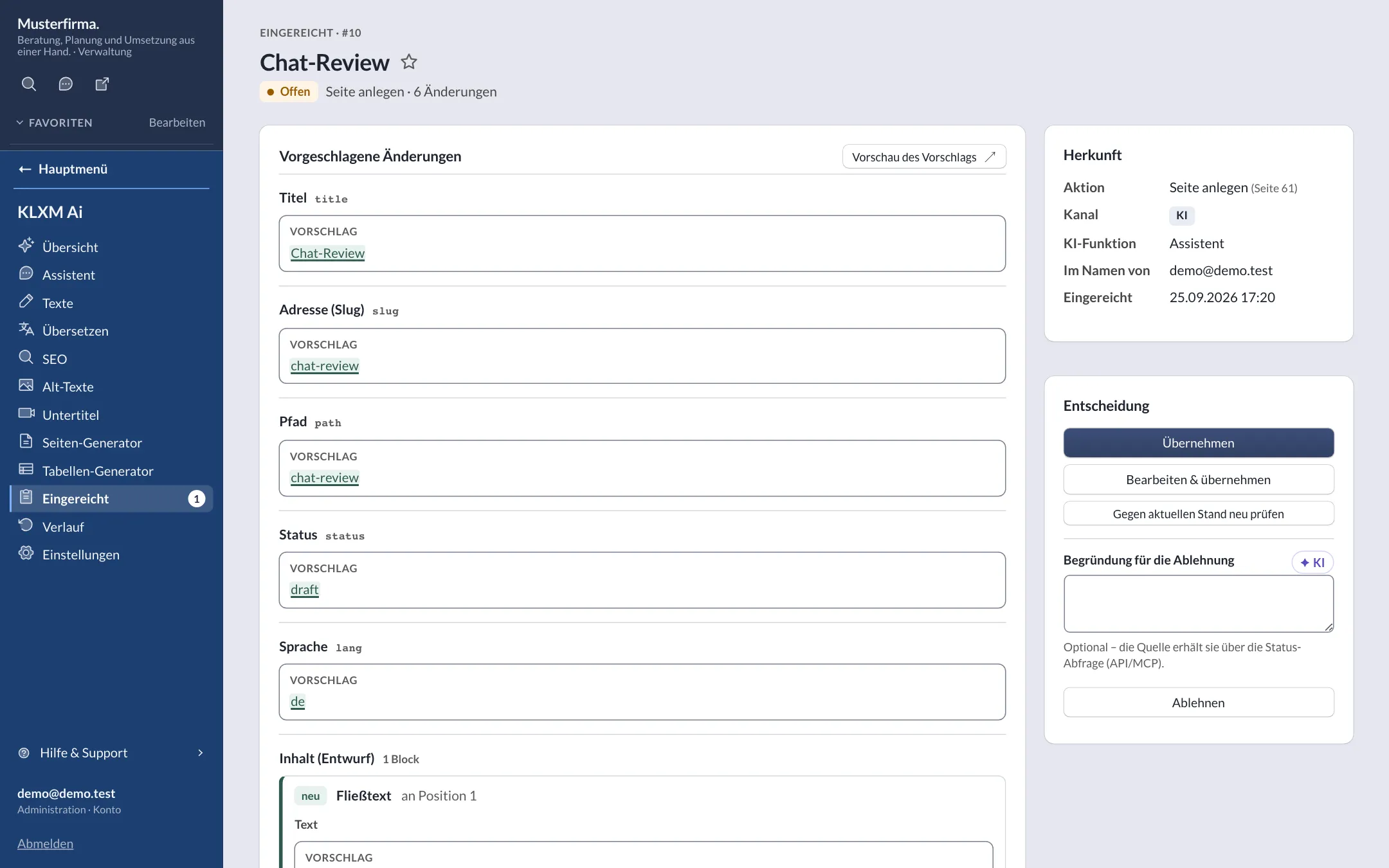
Screenshots
Clear to use.
Captured in a test installation with demo content – click to enlarge. More in the tour.
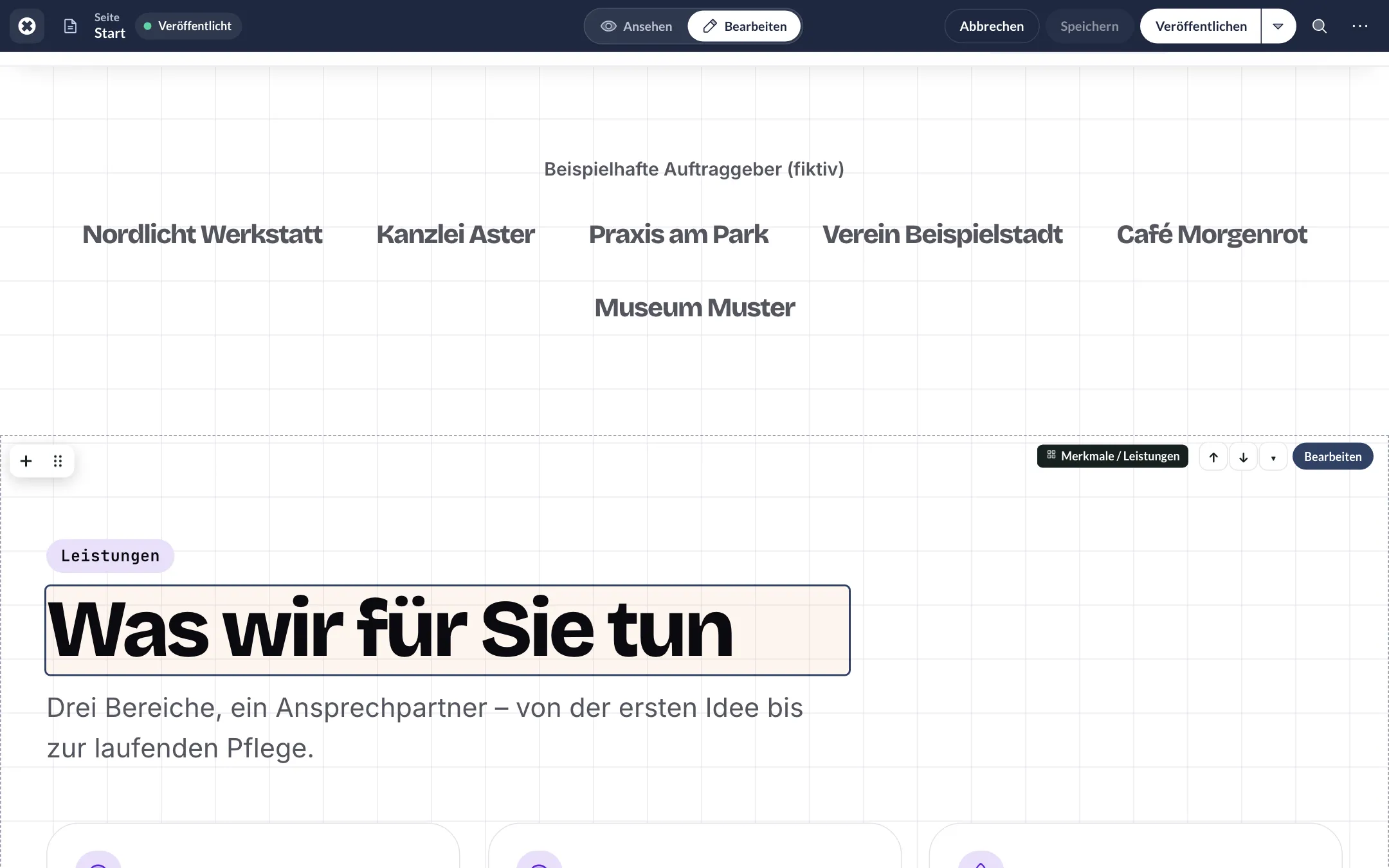
Formatting bar
Insert block
Block form
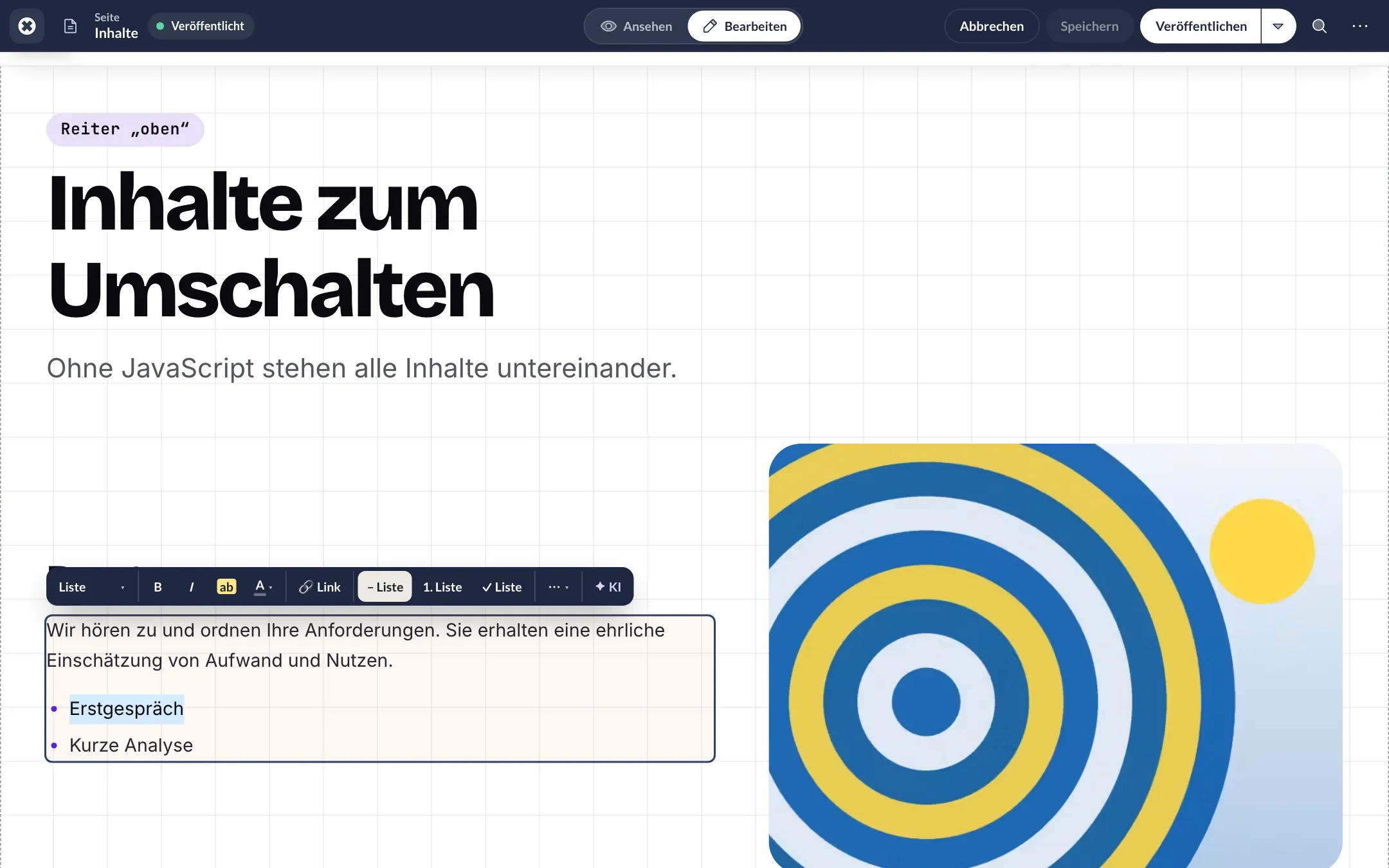
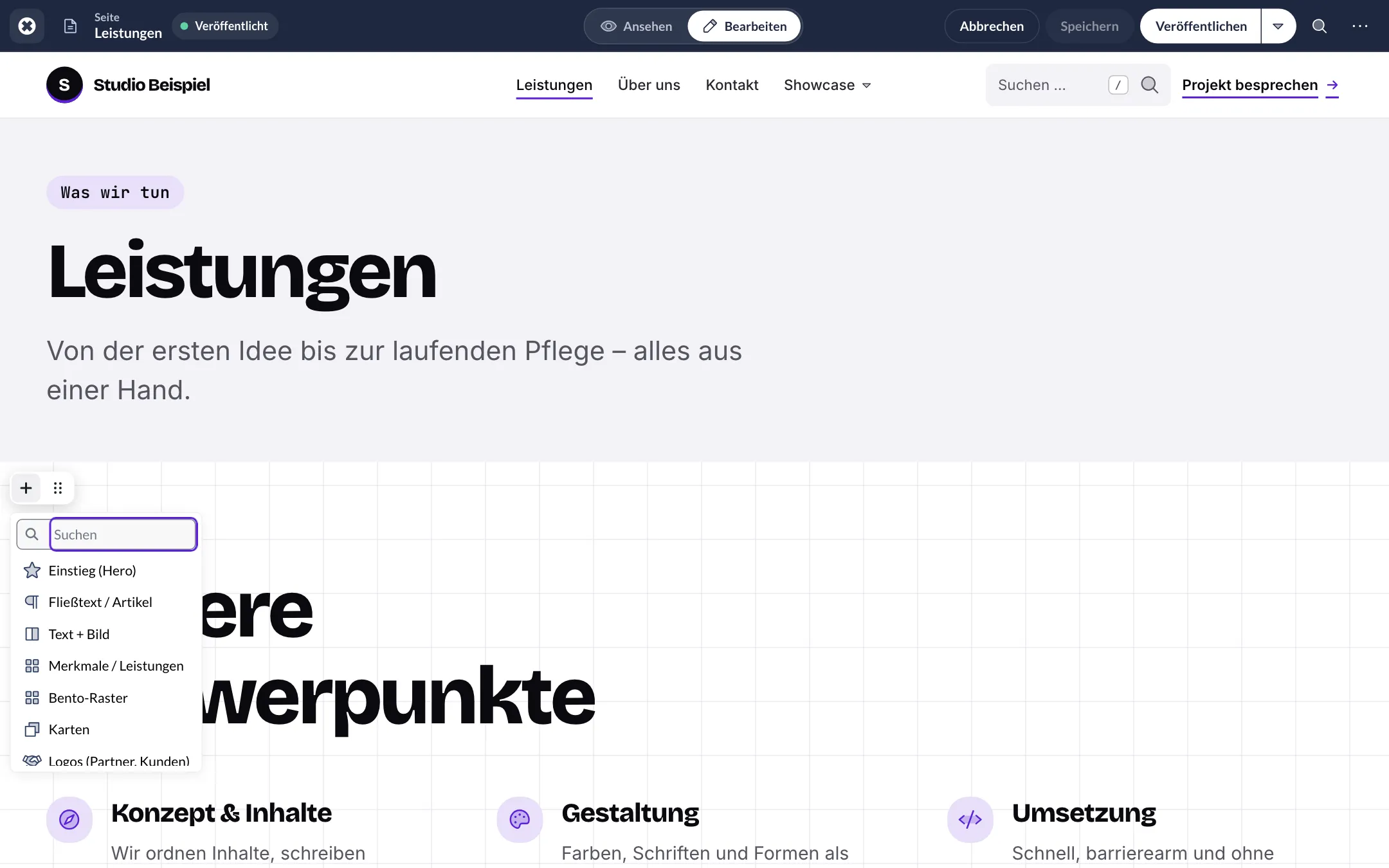
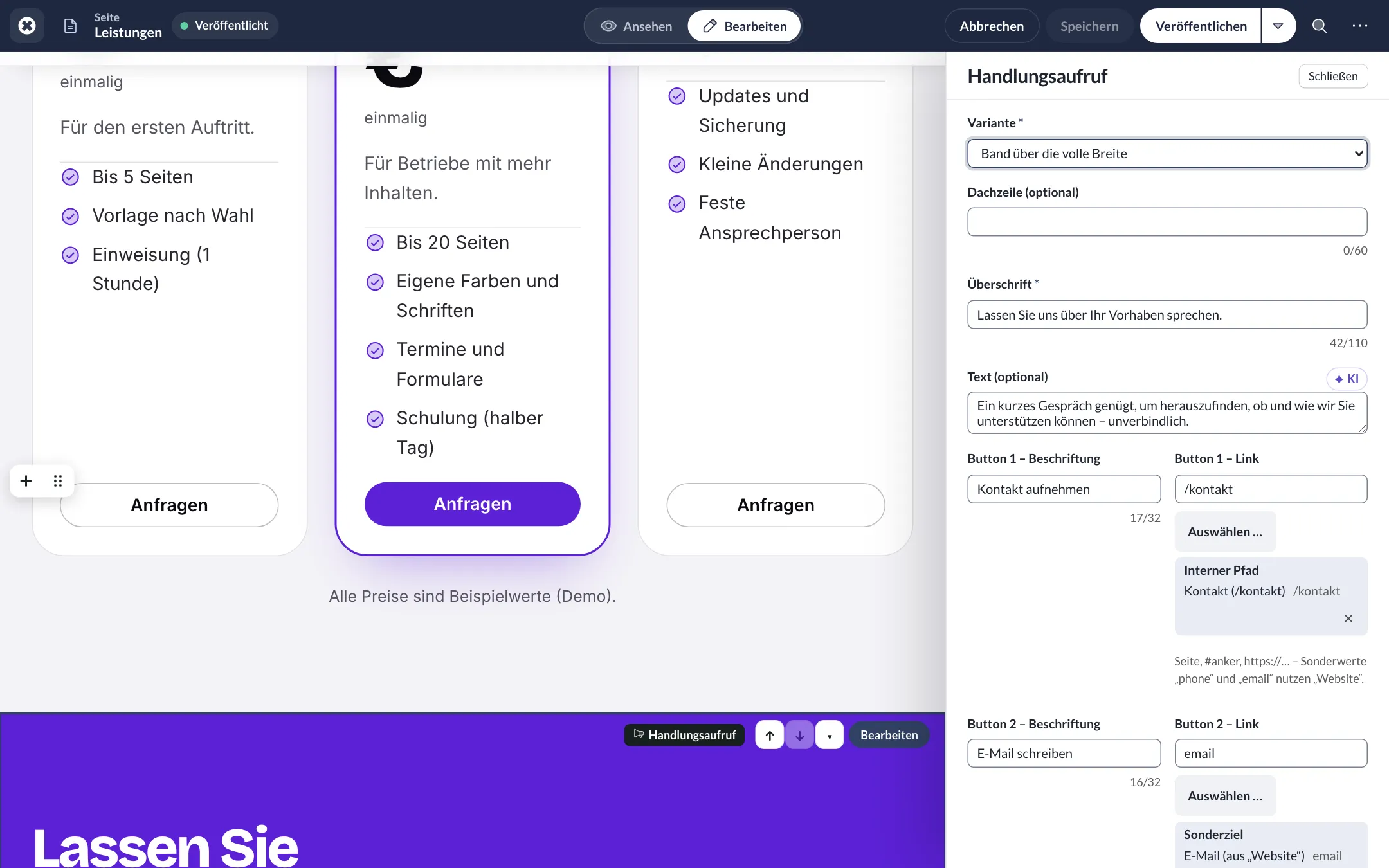
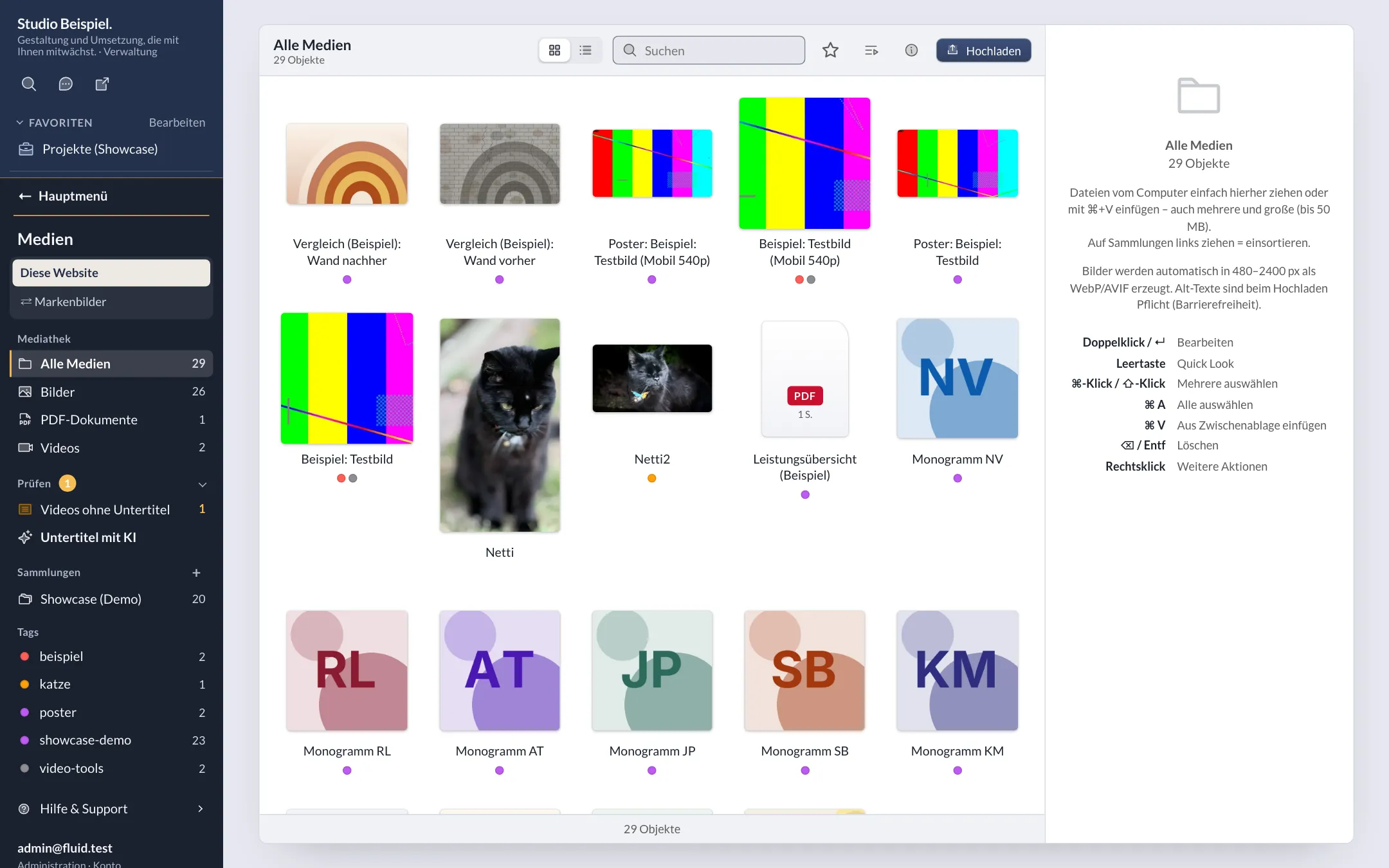
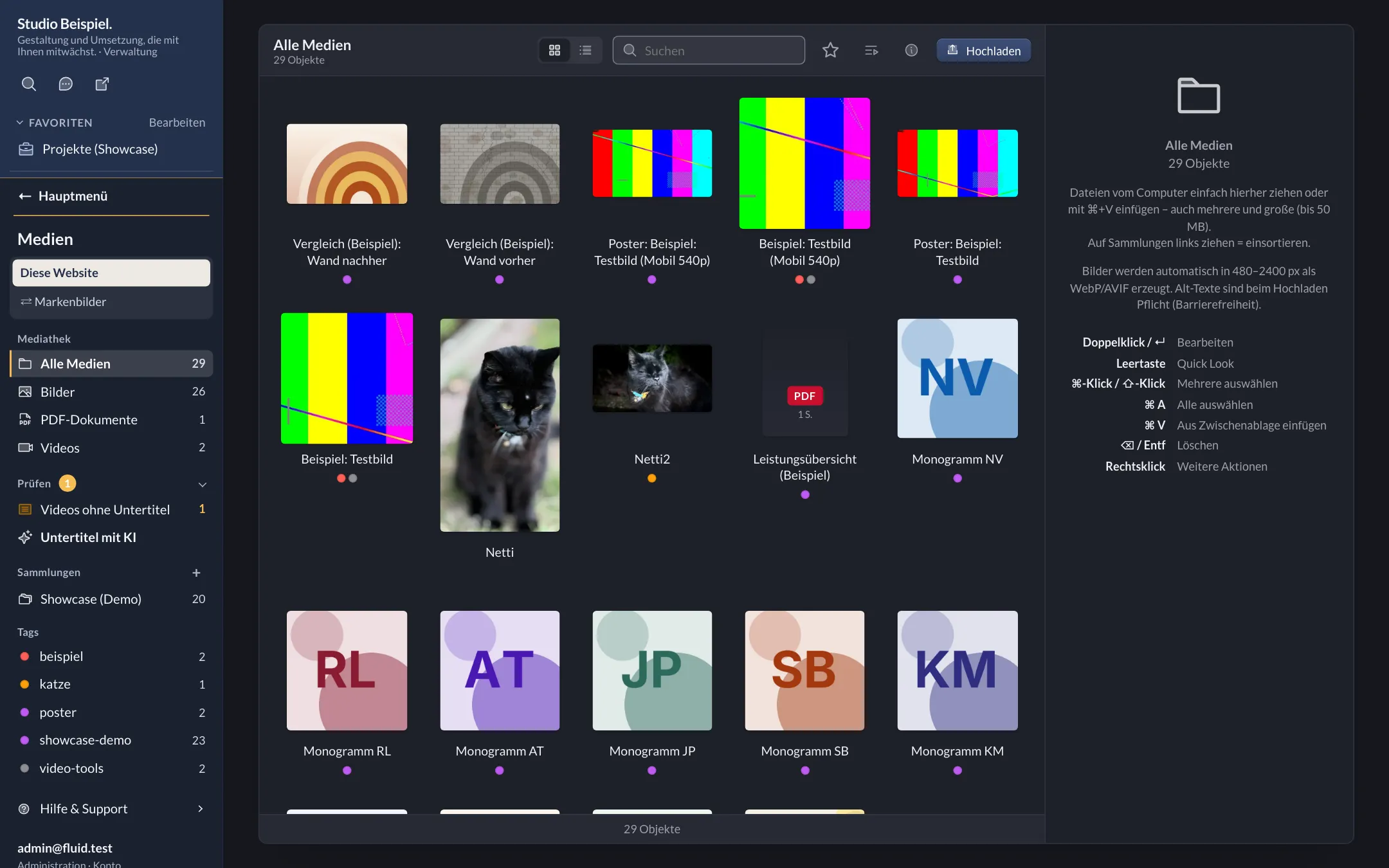
In dark mode
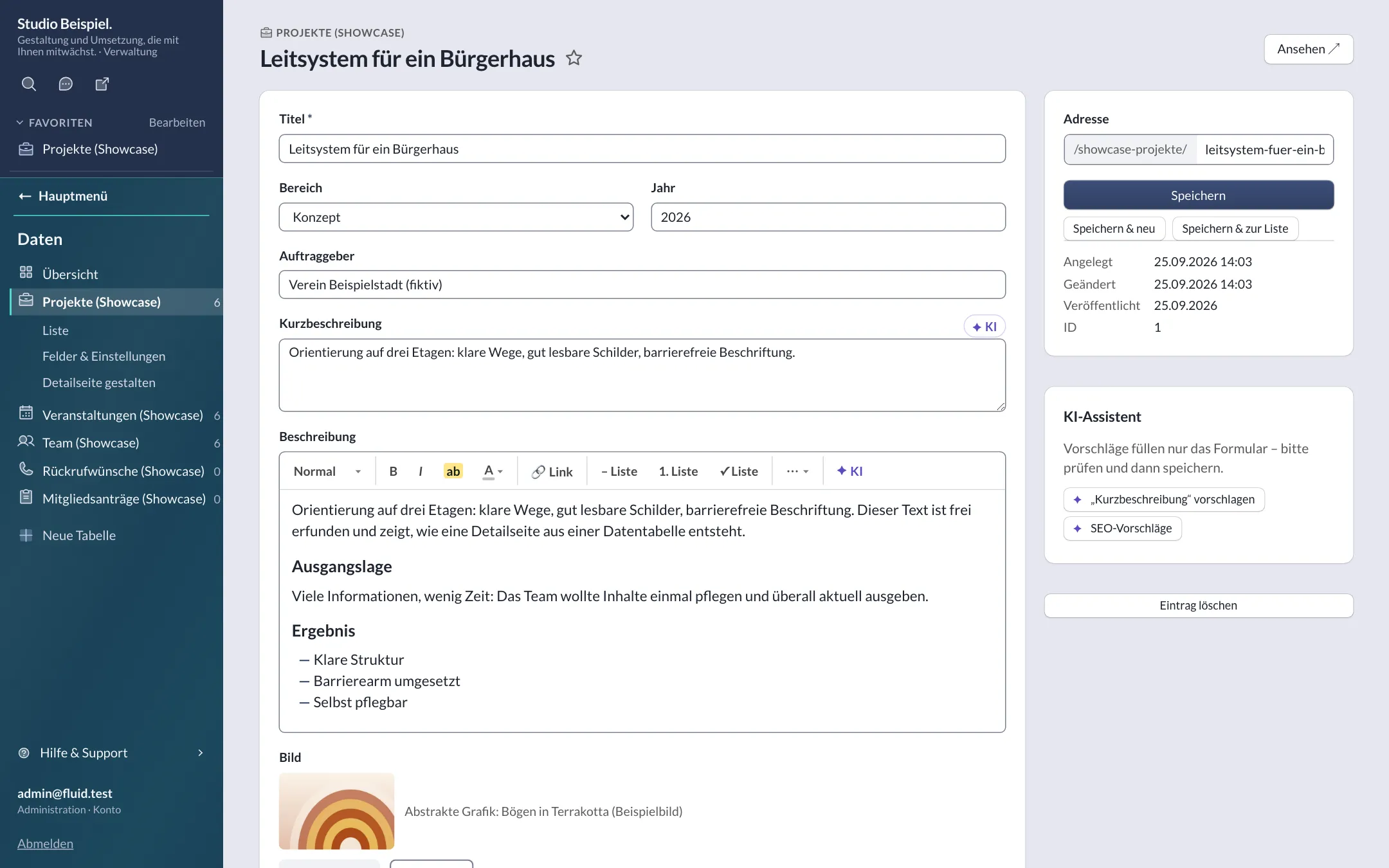
Editing an entry on the website
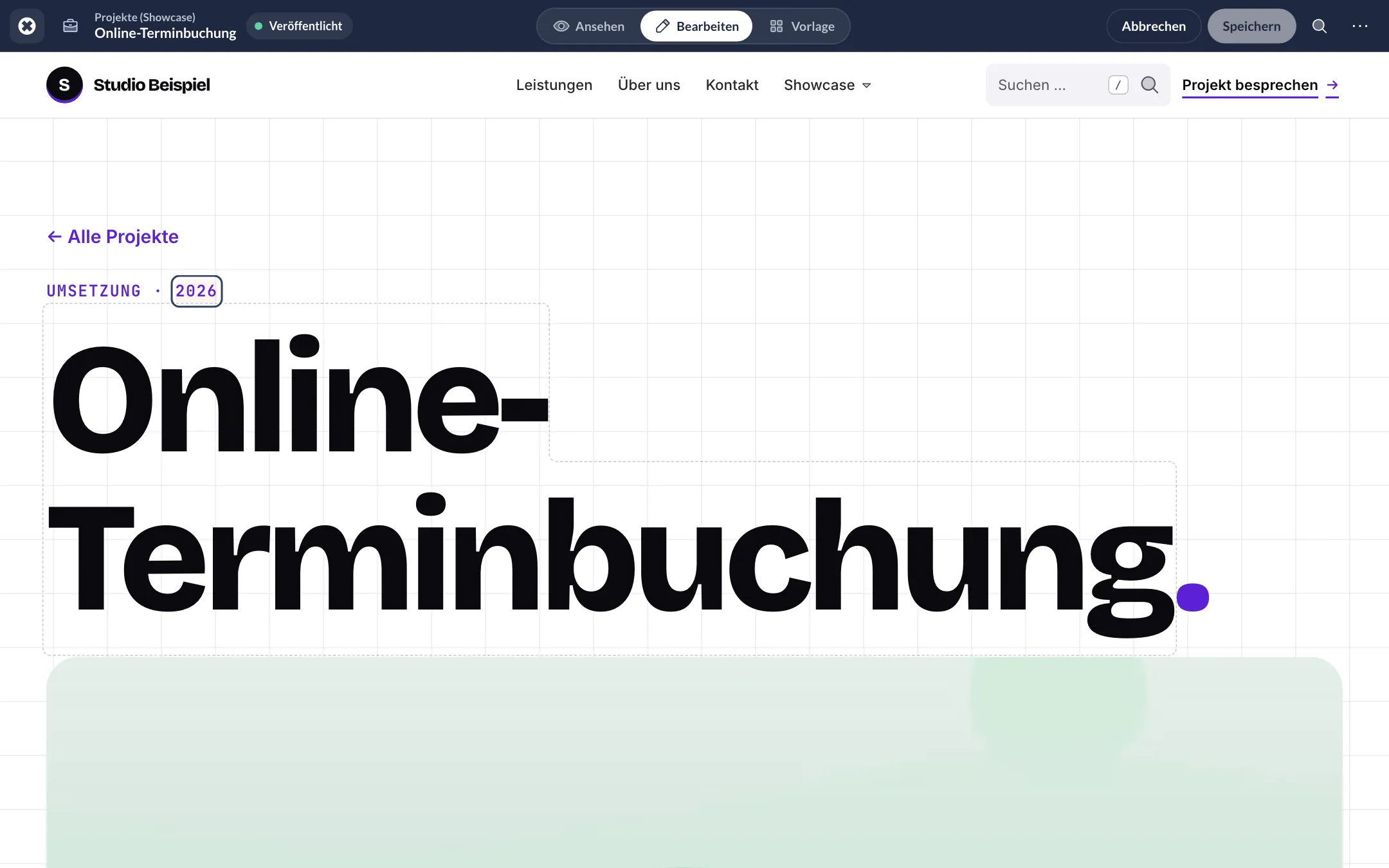
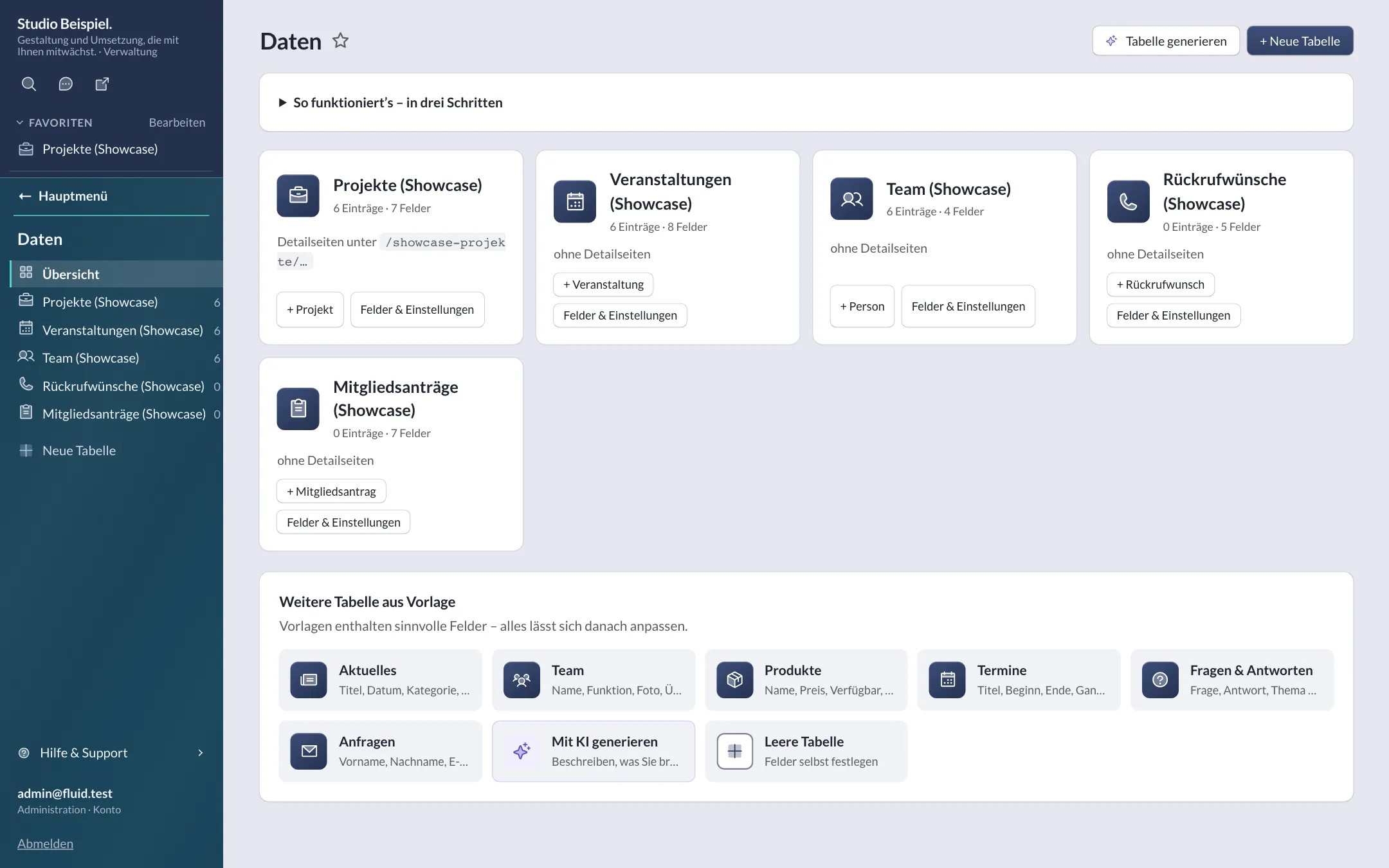
Editing an entry
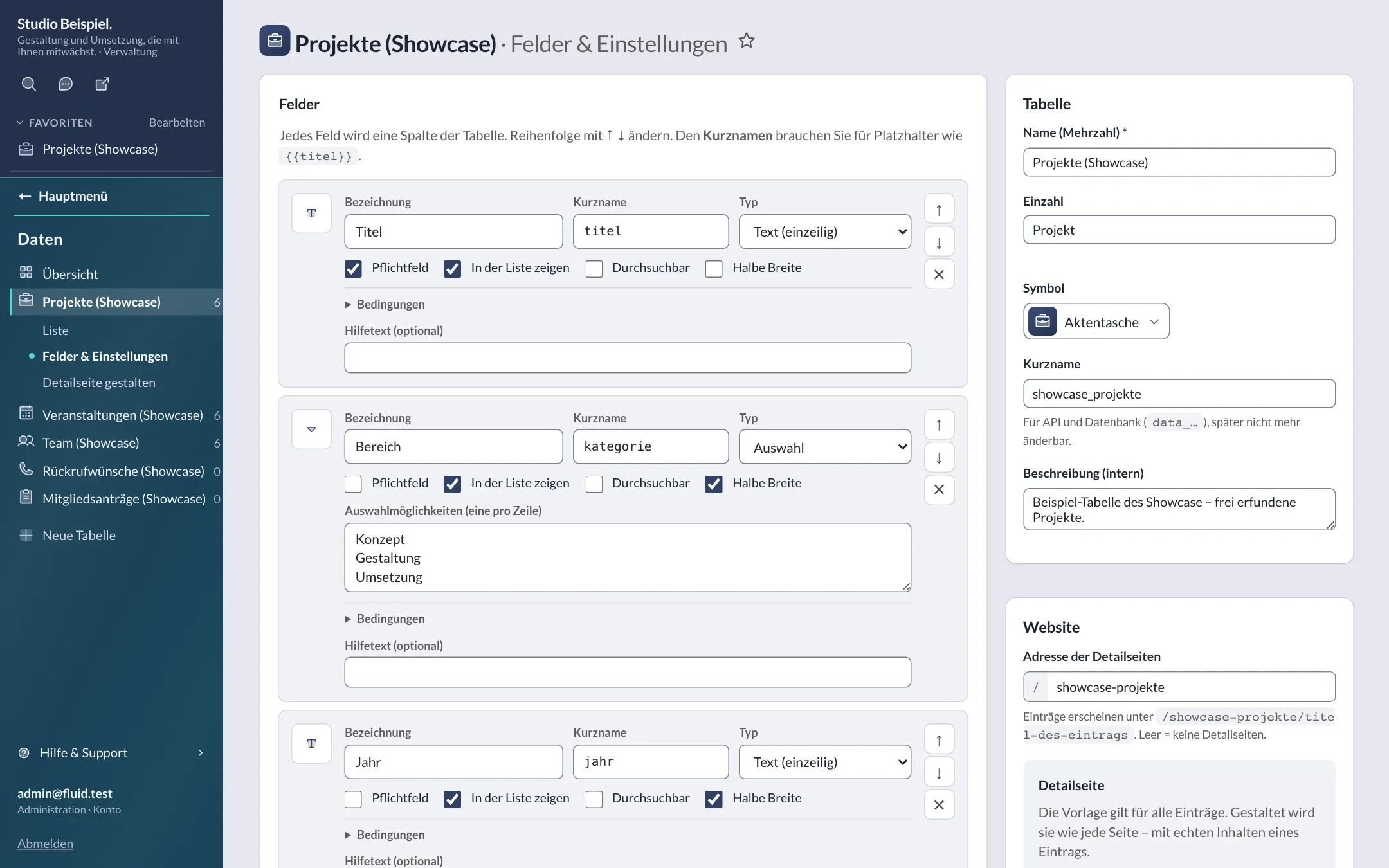
Fields & settings
Calendar view
Header: search & actions
Header & footer
Block builder with preview
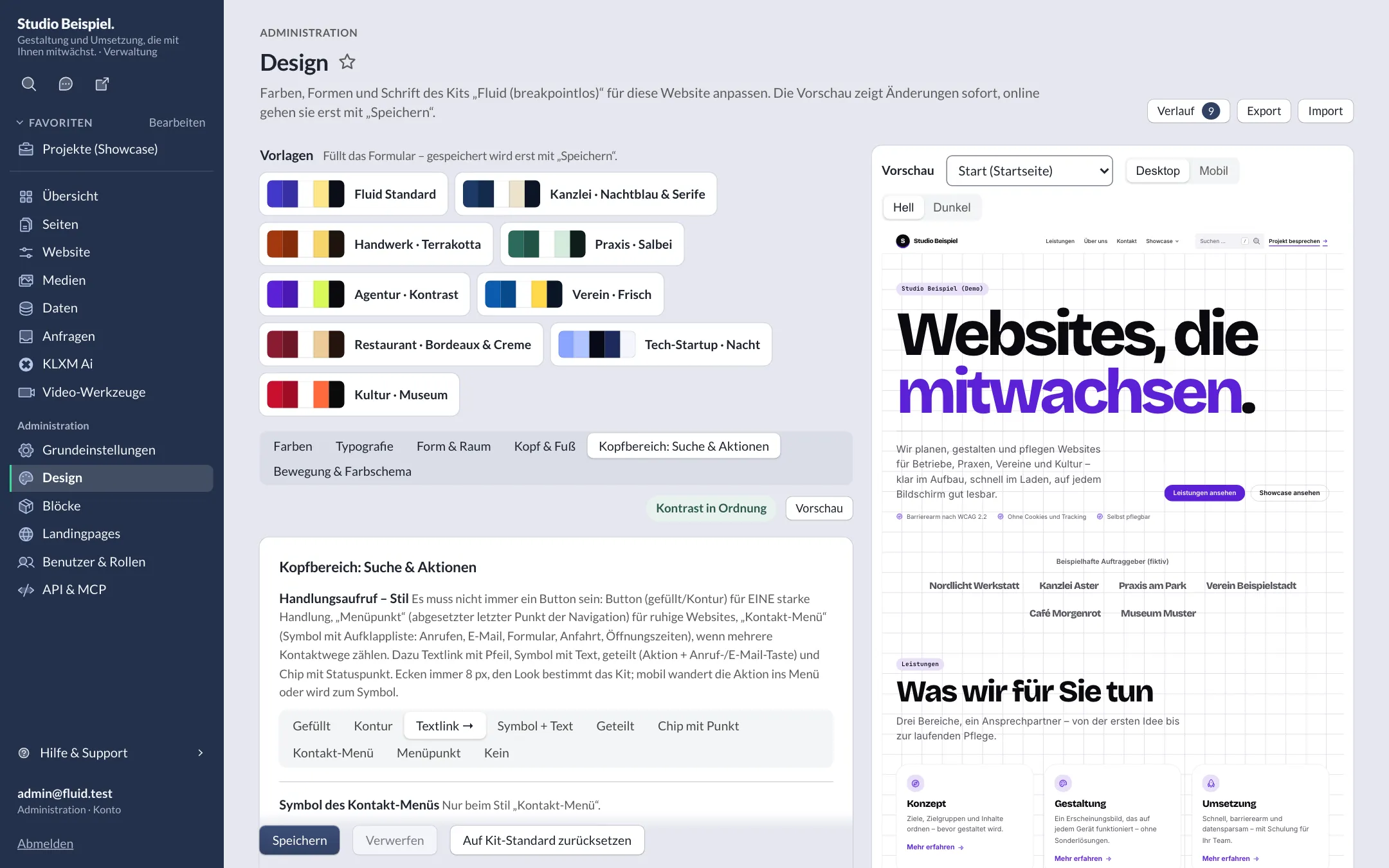
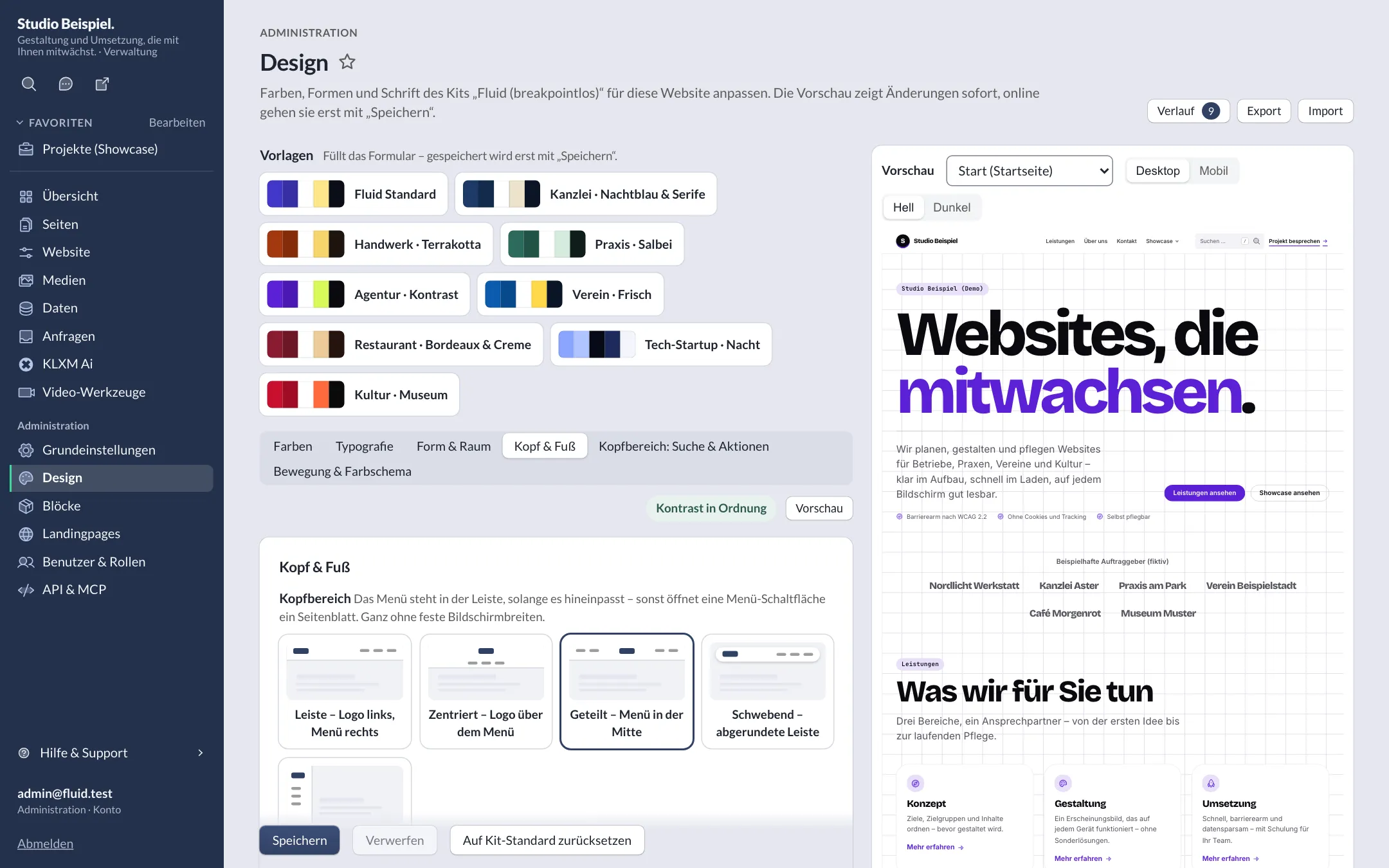
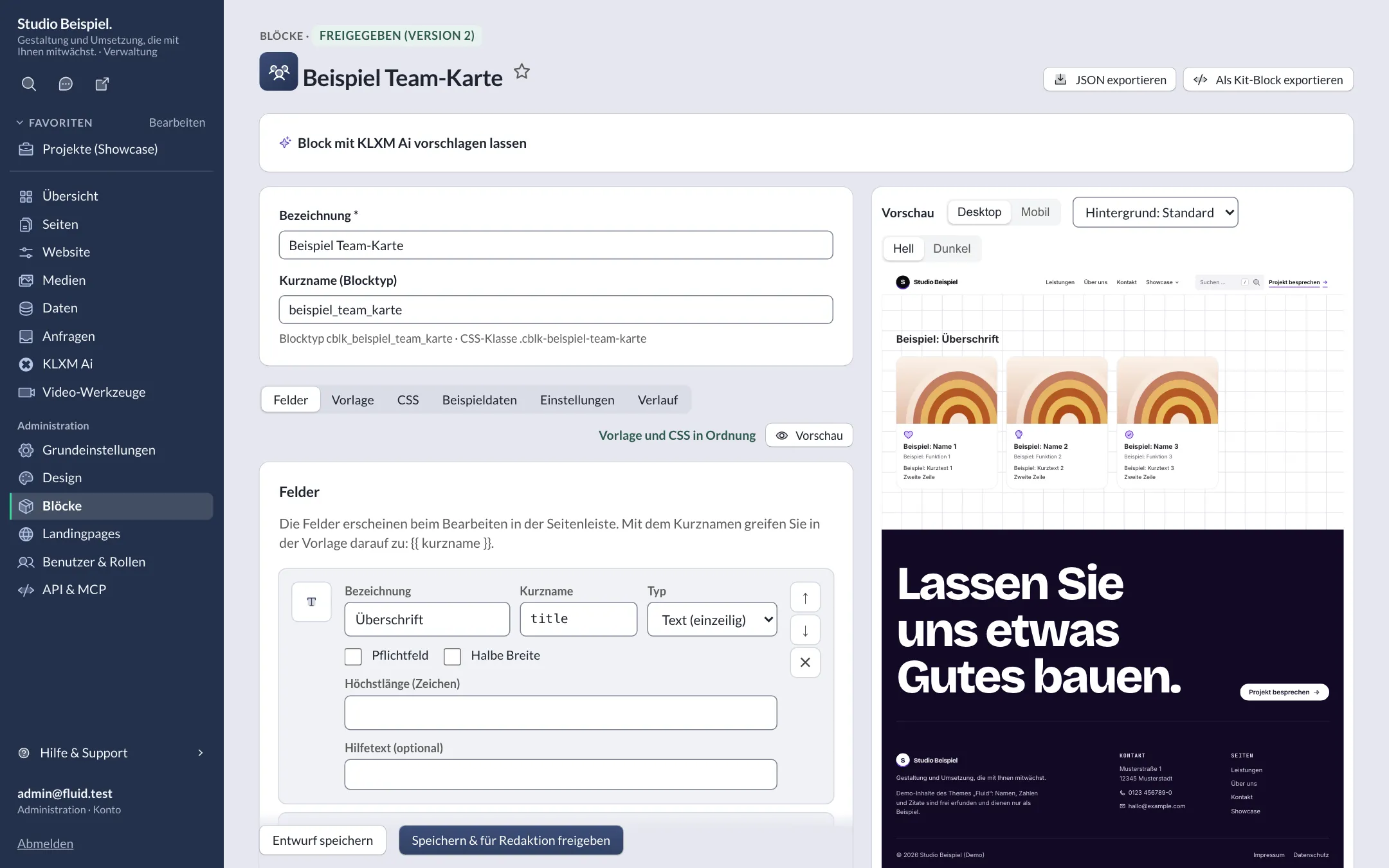
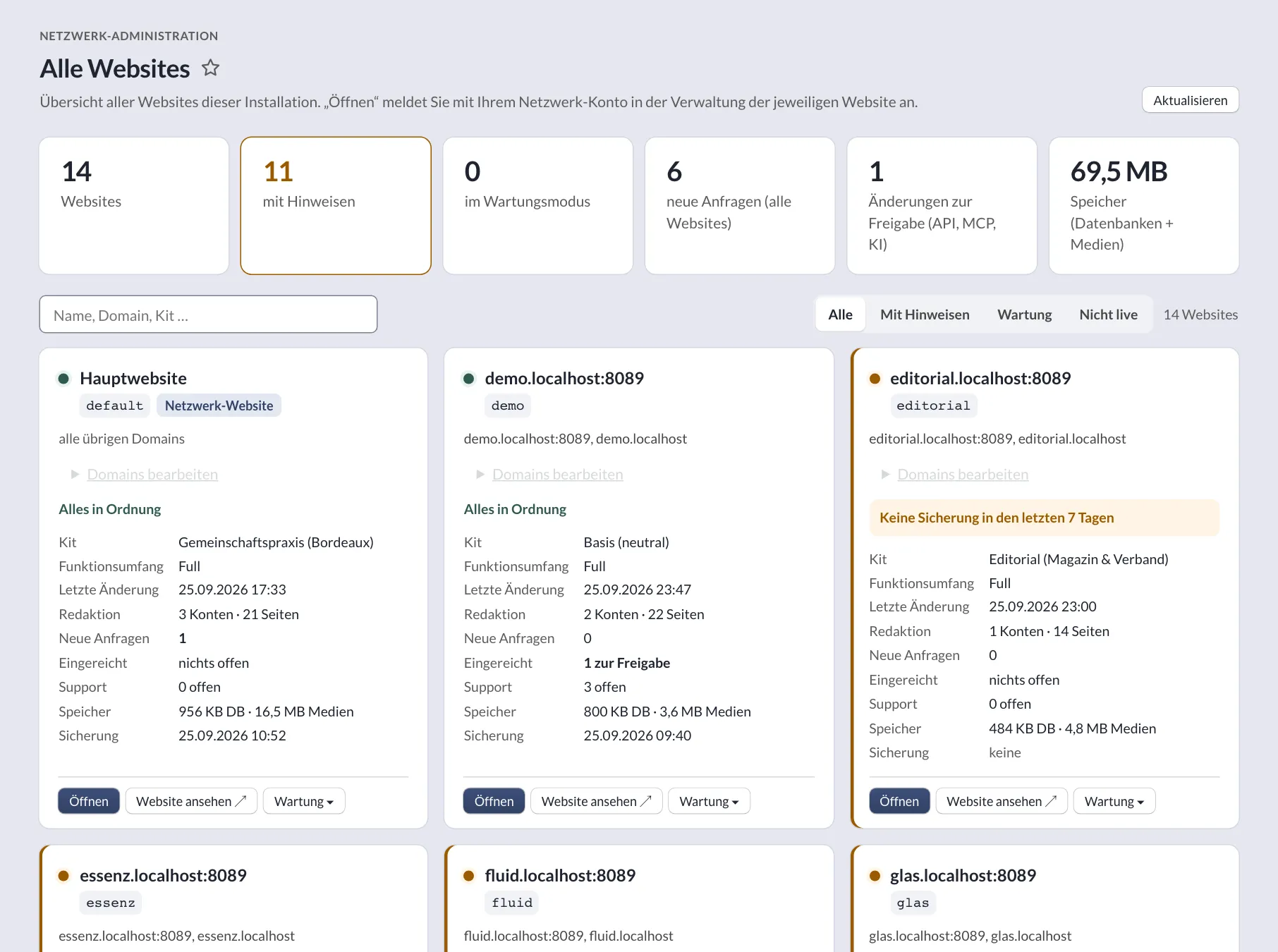
New website dashboard
Sidebar with area colours
Review queue “Submitted”
Kits
Nine kits – design, blocks and data structure to start with.
A kit is the foundation of a project: design, blocks, website settings, lists and detail pages, structured data, starter content and languages. You adjust its design in the style editor; create your own kits with kit:create.
-
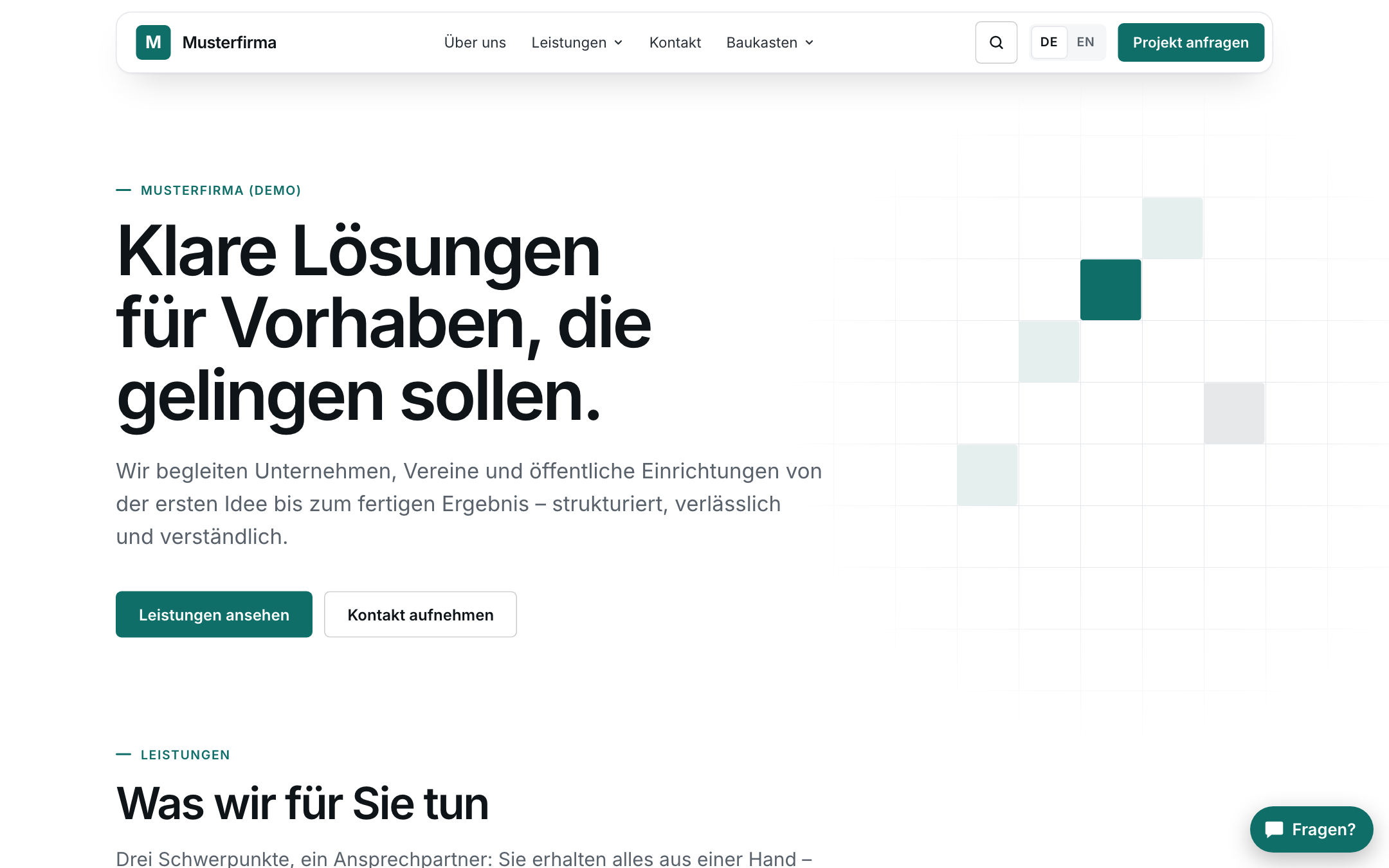
Neutral · toolkit
Kit “Basis”
Starting point for new projects: four navigations, seven design presets, dark mode.
-
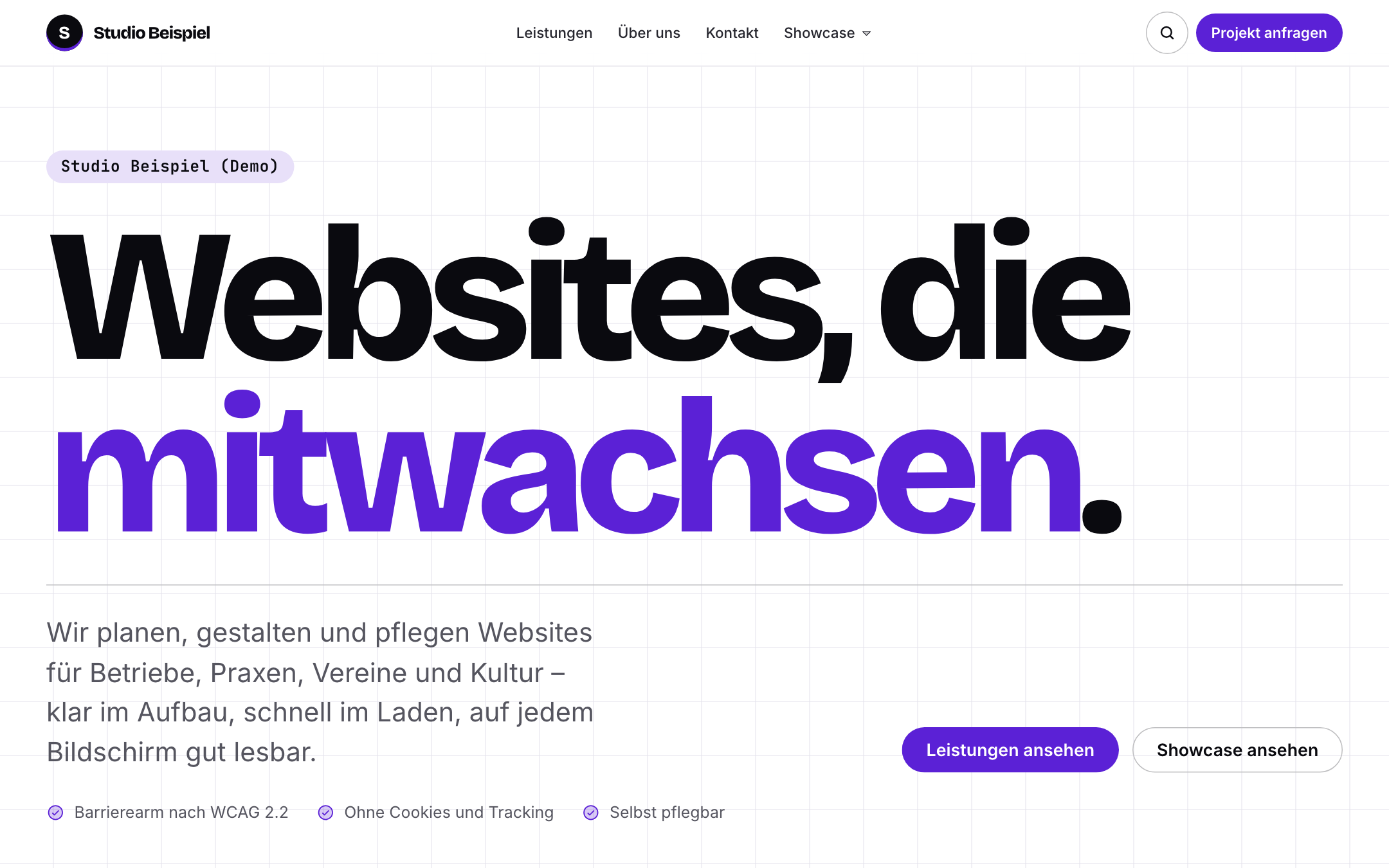
Breakpoint-free
Kit “Fluid”
Type, spacing and grid scale smoothly with every screen width.
-
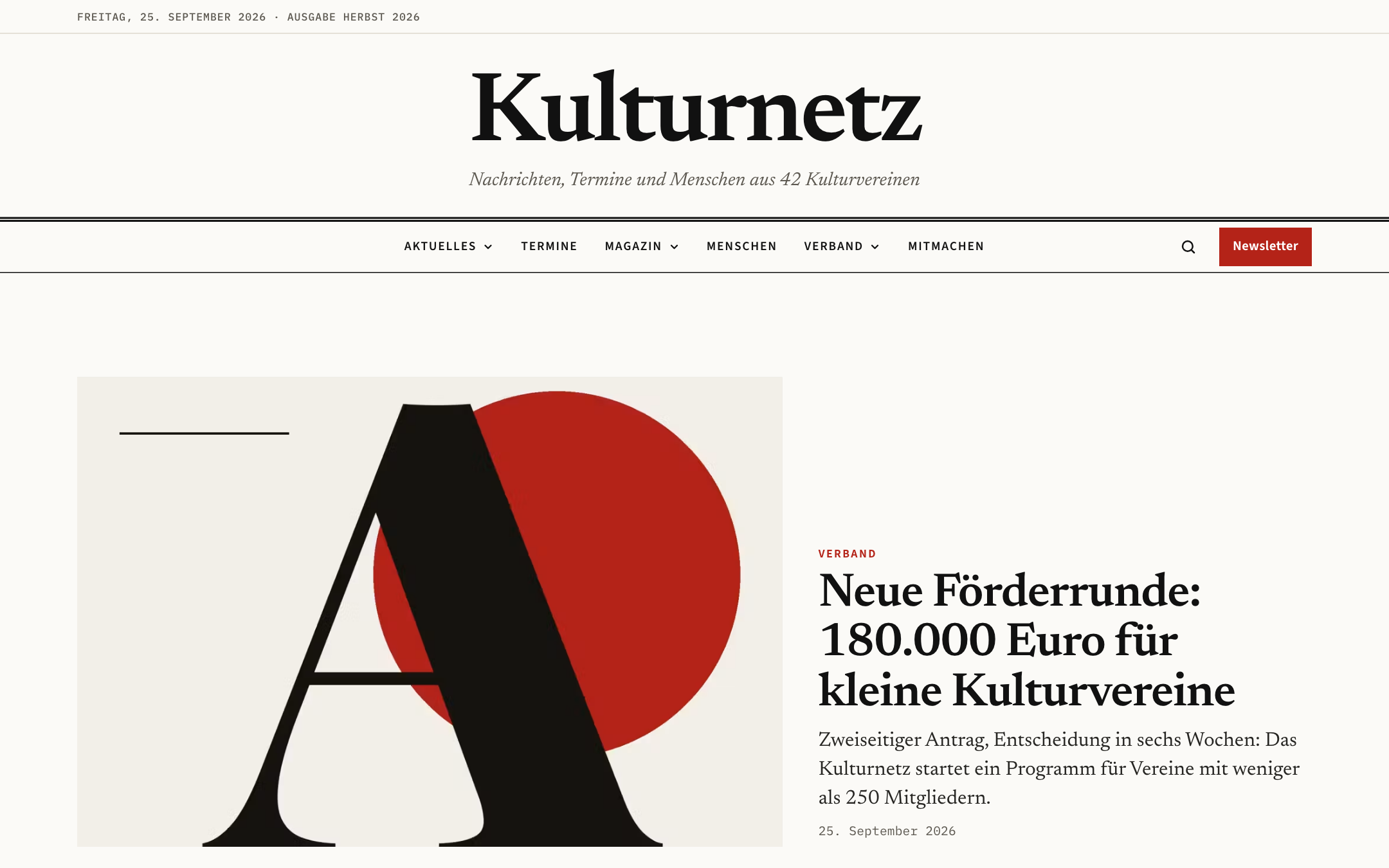
Magazine & association
Kit “Editorial”
Masthead, sections and strong lead stories for associations and culture.
-
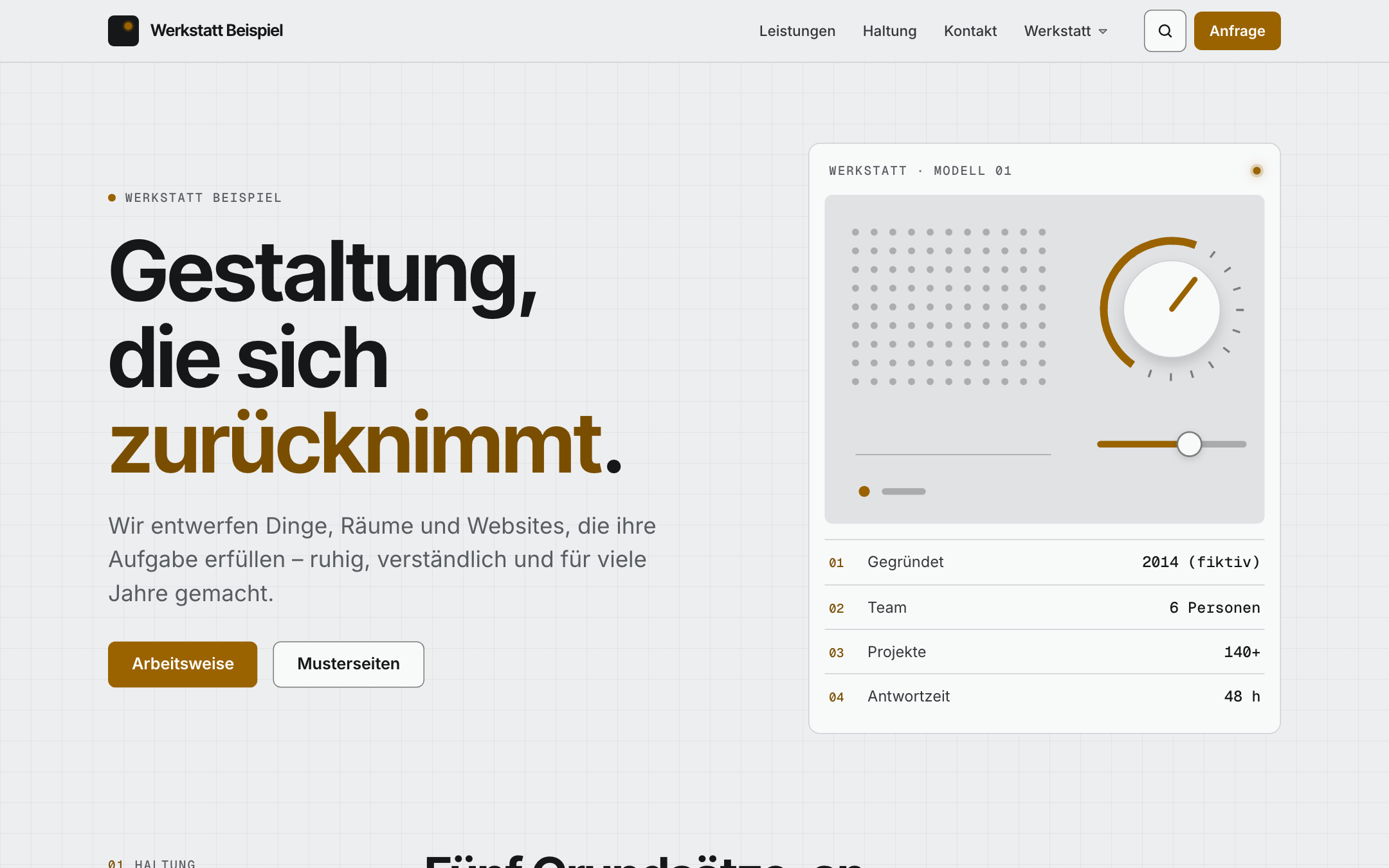
Less, but better
Kit “Essenz”
Functional minimalism with a single signal colour and cards like device panels.
-
Medical practice
Kit “Praxis”
Consultation hours, practice details and encrypted inboxes for prescription and referral requests.
-
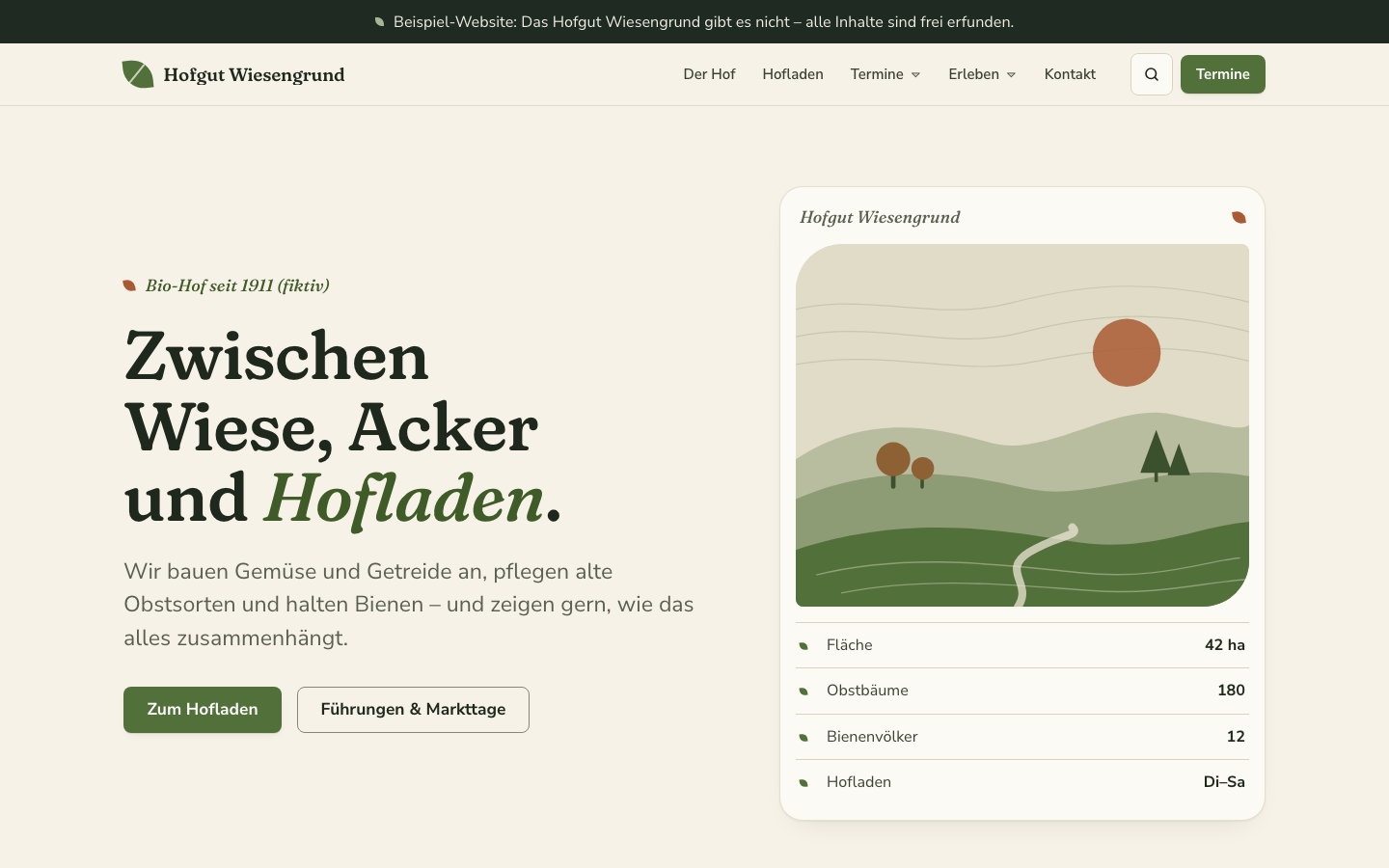
Organic & calm
Kit “Nature”
For farms, farm shops, nurseries, nature conservation and outdoor – with generated landscapes for every season.
-
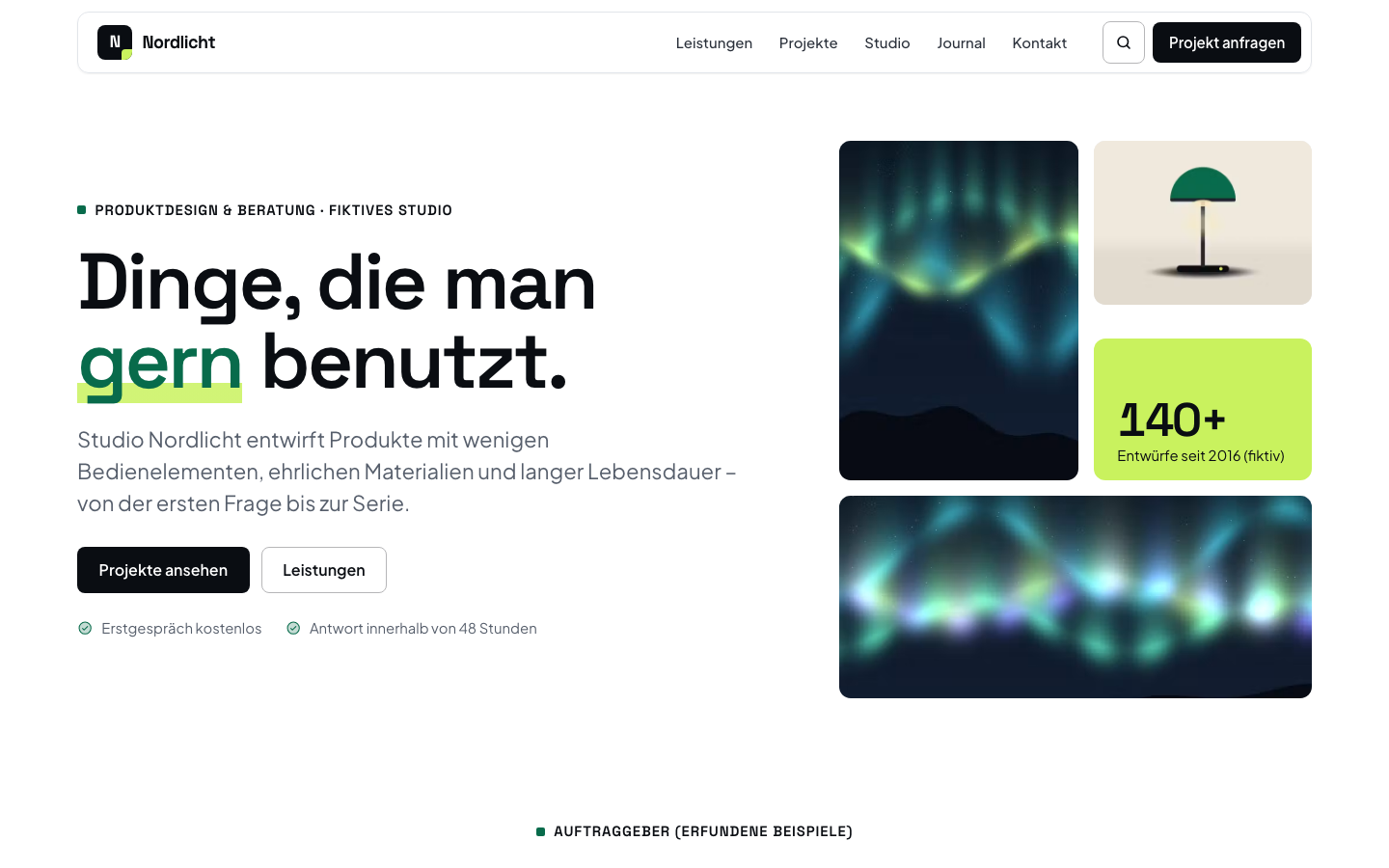
Contemporary & confident
Kit “Modern”
Large grotesque type, bold colour blocks and a bento grid – for studios, consultancies and companies.
-
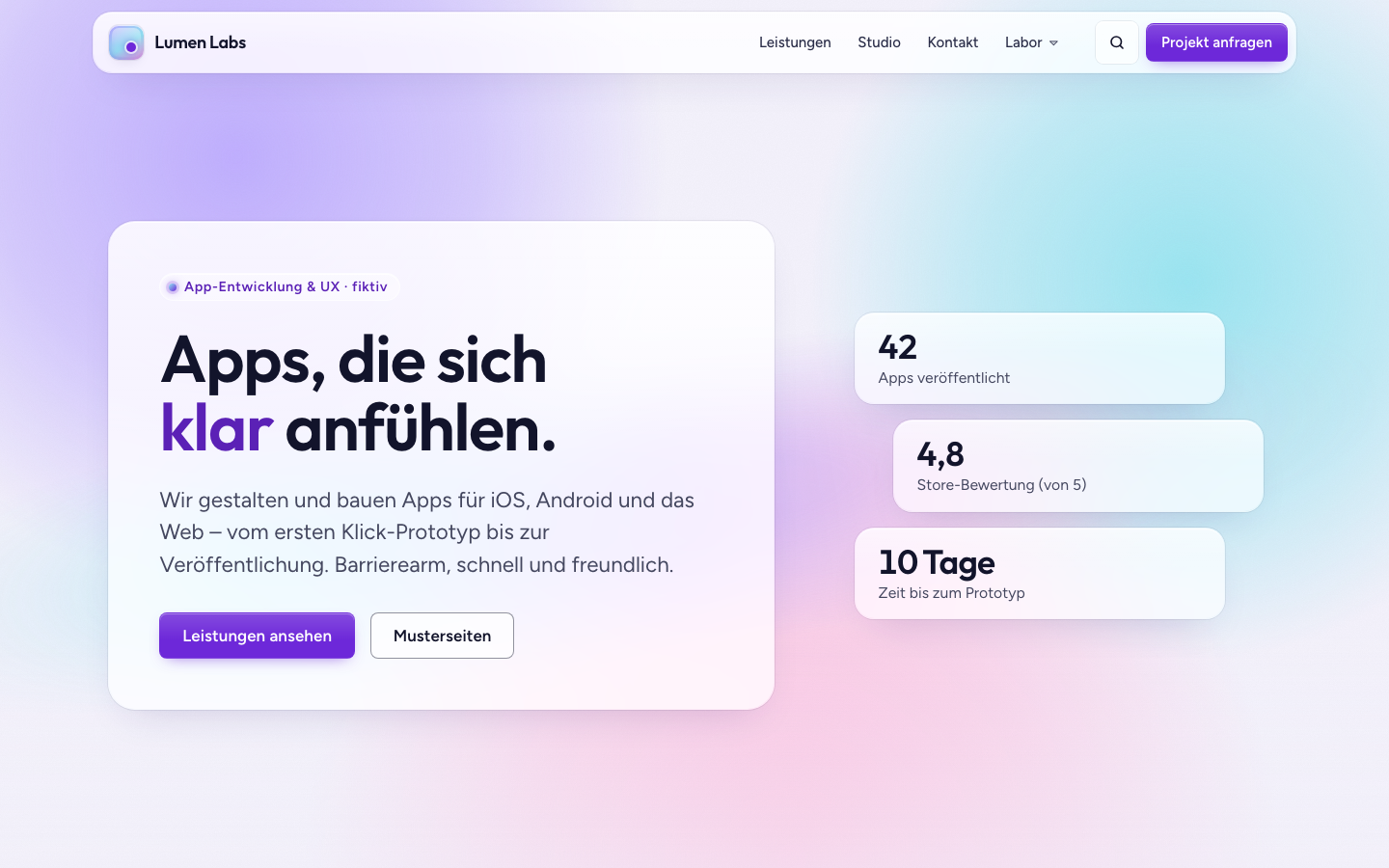
Glass, legibility first
Kit “Glas”
Frosted glass over a soft colour field – opaque when transparency is reduced.
-
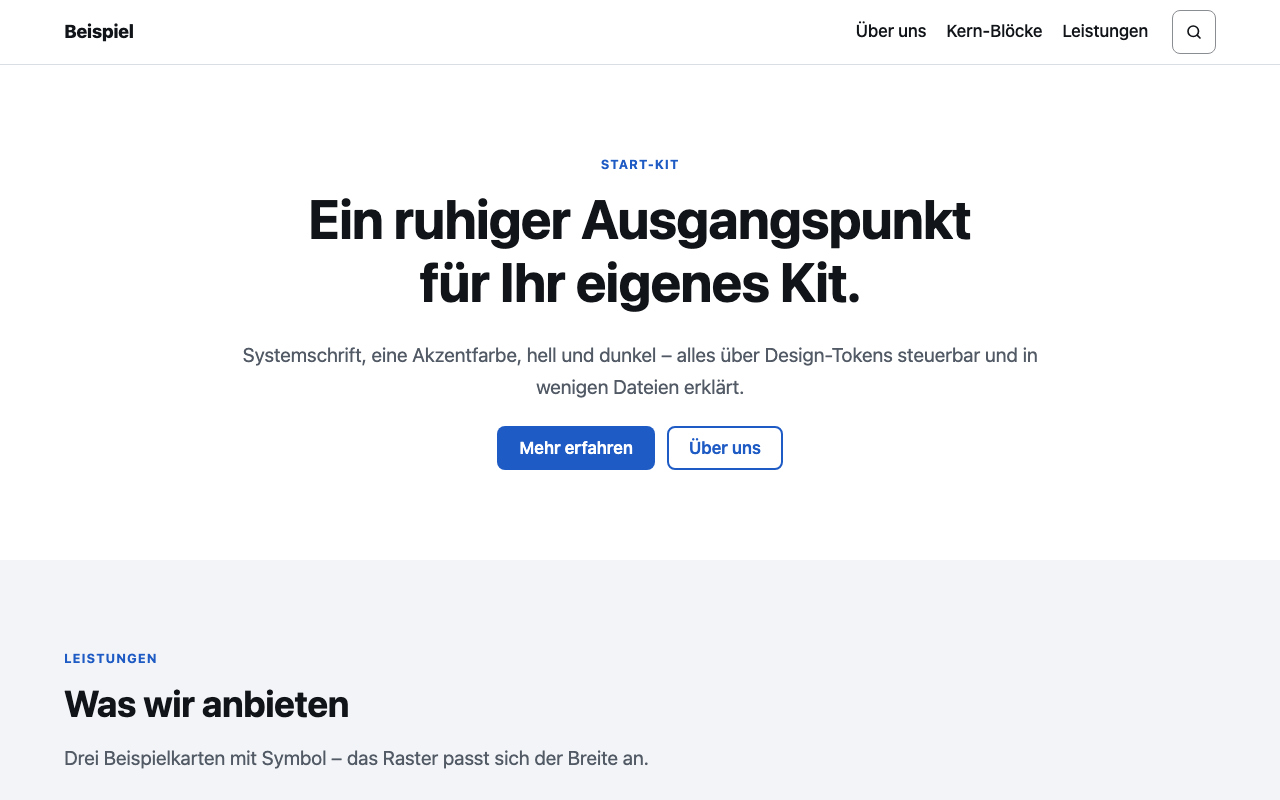
Starting point
Starter kit
The smallest complete kit for your own development – commented in eleven sections.
KLXM Ai
Artificial intelligence – optional and reviewed.
KLXM Ai makes suggestions, people decide. Switched on per website – also locally with Ollama on your own server.
- Write, shorten and translate right at the text field
- SEO check and alt texts as suggestions
- Page, table and block generators
- Captions and transcripts, locally with whisper.cpp
- Review queue “Submitted” with before/after
- Only calls and duration are counted – content is not stored
Image “team-summer-party.jpg”
Before(no alt text)
SuggestionFive people stand laughing in front of a wooden wall with green plants.
Example: the suggestion is only applied once you review it.
Open Source
MIT licence. Free to use.
KLXM Studio – Copyright © 2026 KLXM Crossmedia GmbH and contributors – is licensed under the MIT licence. Using, adapting, running and redistributing it is allowed, including commercially and in client projects.
Your own kits and extensions may use any licence. Bundled third-party software keeps its own licence (THIRD-PARTY-NOTICES.md).
System requirements
- PHP
- ≥ 8.4 (FPM), 8.5 supported
- Database
- SQLite (default, one file per website) or MySQL/MariaDB per website; pdo_sqlite always required, SQLite ≥ 3.35 (search) – fine on Debian 12/13 and Ubuntu 22.04/24.04, AlmaLinux/RHEL 8/9 ship an SQLite that is too old
- Webserver
- Apache or nginx with HTTPS – no .htaccess
- Hosting
- e.g. Plesk; only public/ is in the web root
- Optional
- Ollama or an AI provider, ffmpeg + whisper.cpp, cron
- Licence
- MIT
- Version
- 1.0.0
As of version 1.0.0 (README and developer manual).
Contact
Talk to KLXM Crossmedia.
A demo, use in your agency or technical questions – we answer personally.
Am Schürmannshütt 40g
47441 Moers
Germany
- Phone
- +49 2841 889998-0
- info@klxm.de
- Website
- klxm.de (opens in a new tab)