Step 1
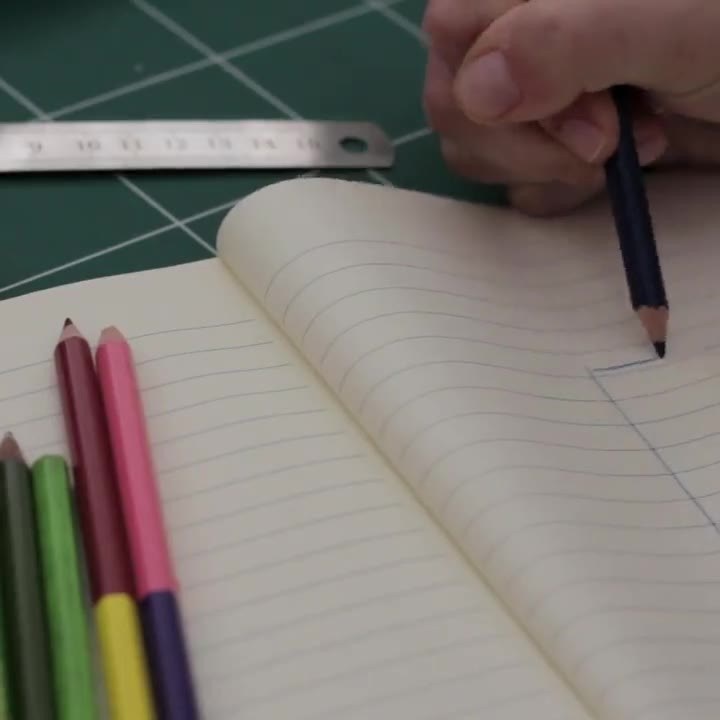
Sketch the idea
Sample text: what is it about, who is it for?
Demo · blocks from core and kit
A selection of the blocks editors use on any page – filled with sample text.
Questions & answers
Native disclosure without JavaScript; search engines receive the questions as FAQ data.
No – an example. The “Questions & answers” block suits help, directions or terms.
Yes. Each answer opens and closes on its own, also with the keyboard (Tab, Enter).
Right on the page in the block editor – with formatting, links and lists.
Stacked cards
While scrolling, the next card slides over the previous one; on small screens and with “reduce motion” a simple list.
Step 1
Sample text: what is it about, who is it for?
Step 2
Sample text: texts, images and data in one place.

Step 3
Sample text: review, approve, done.

Key figures with dials
All values are invented examples – on real pages use only verifiable figures.
Flow (kit “klxm”)
The steps light up once in turn when scrolled into view – not with “reduce motion”.
Create fields
Visitors submit
Dates appear
List and detail page