Demo · media library image editor
Before, after.
Screens photographed at an angle, tilted horizons, photos lying on their side: the image editor in the media library fixes this right in the browser. Non-destructive – the original is kept and every change can be undone.
Correct perspective
Straighten the screen
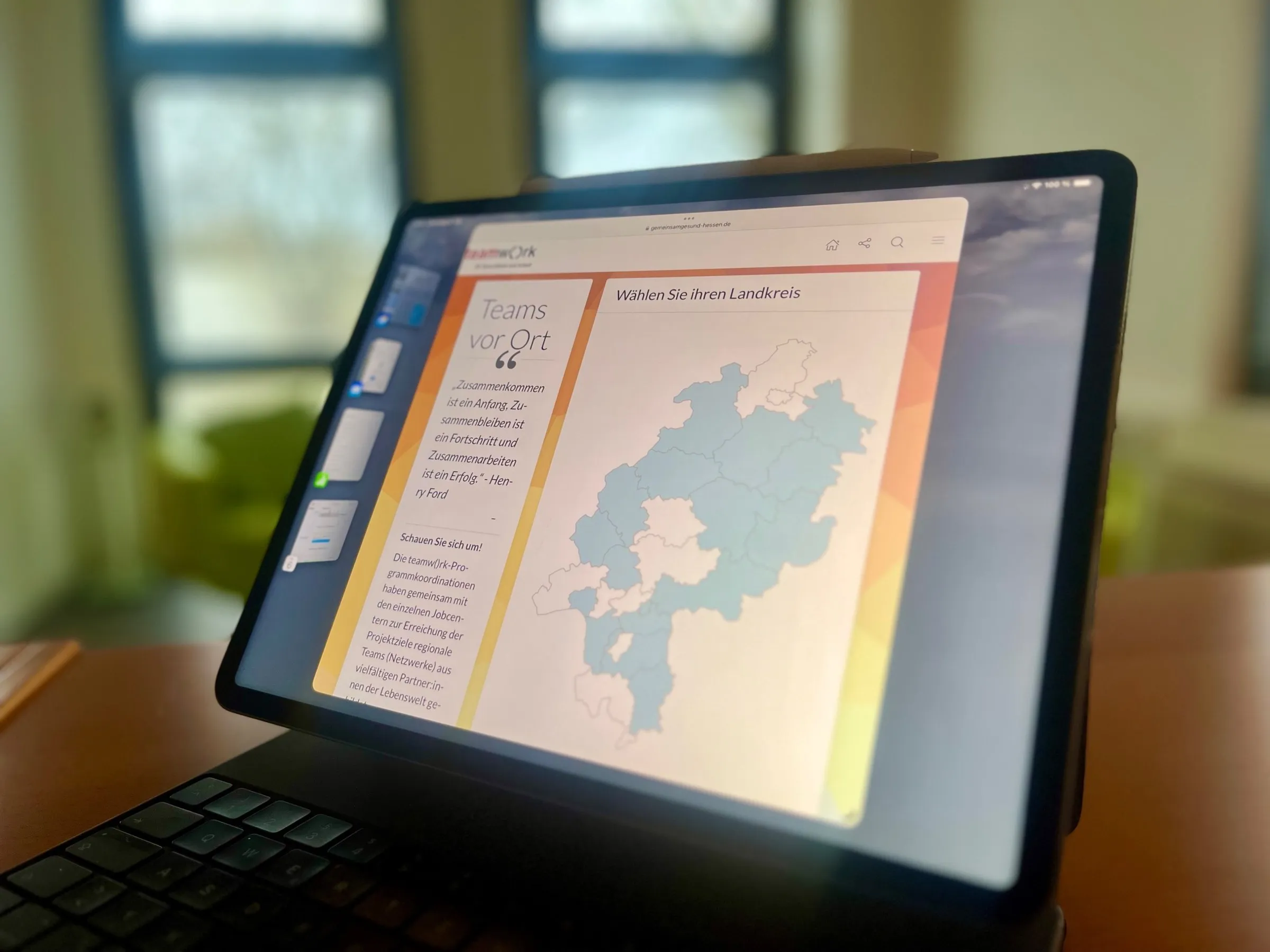
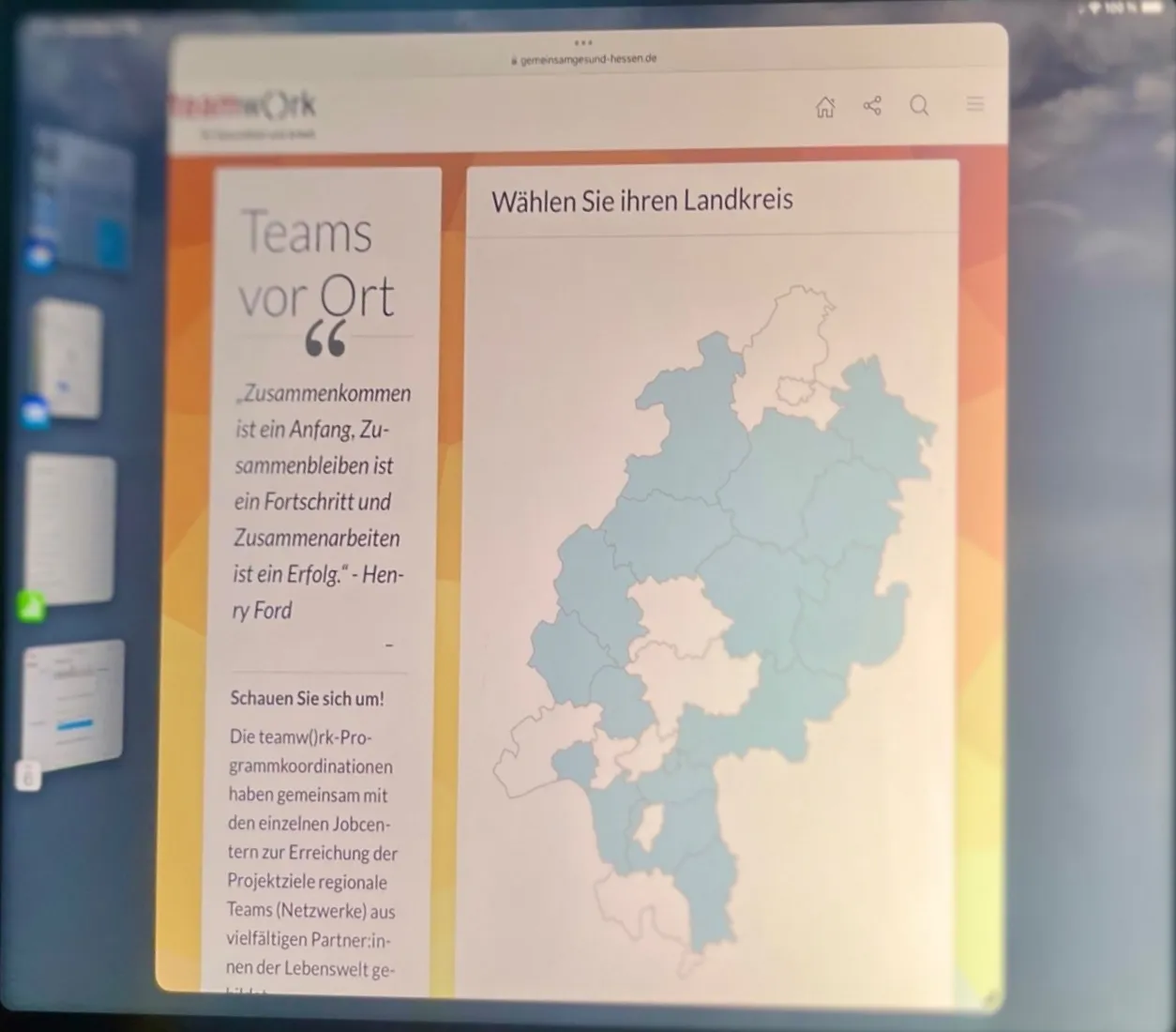
Four corners placed on the tablet screen – the result is a straight-on view. Photo: KLXM Crossmedia (reference).
-
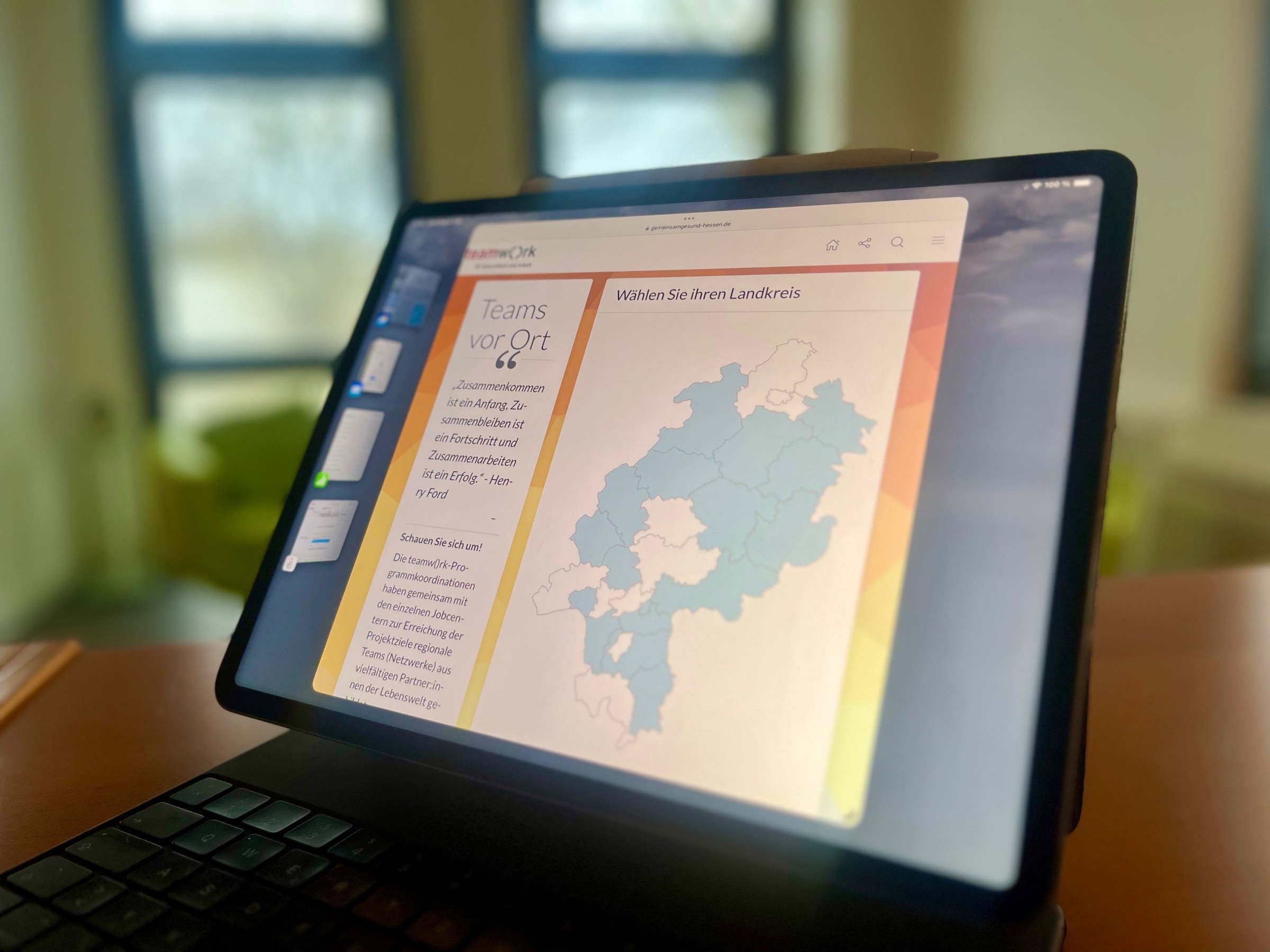
Before – shot at an angle -
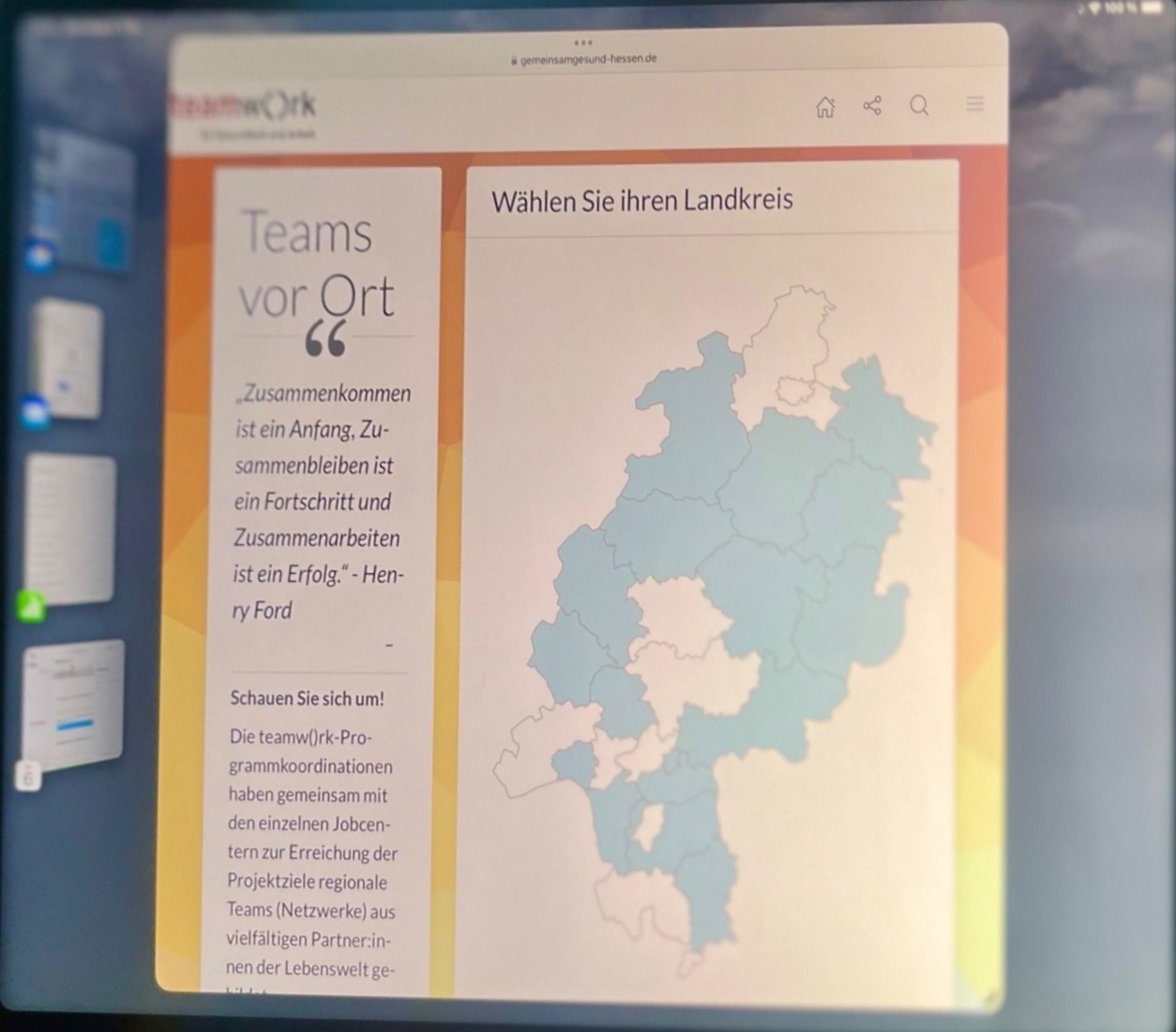
After – corrected
Free rotation
Level the horizon
For the demo we tilted the photo by 6°; the editor rotates it back and crops to the largest straight rectangle.
-
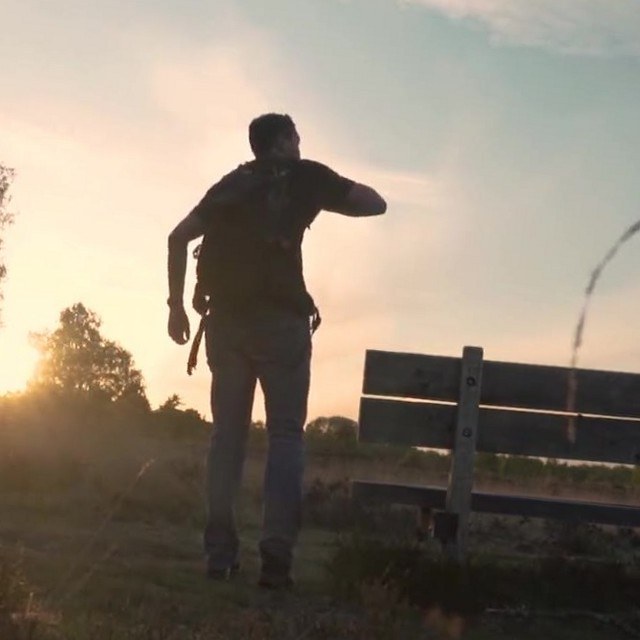
Before – horizon tilted -
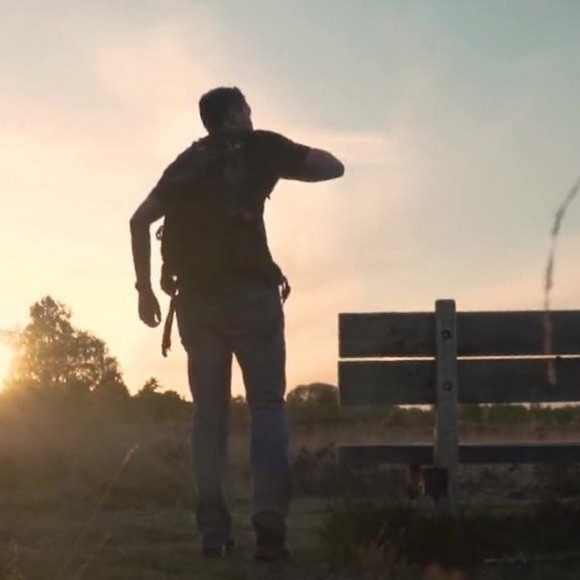
After – straightened by 6°
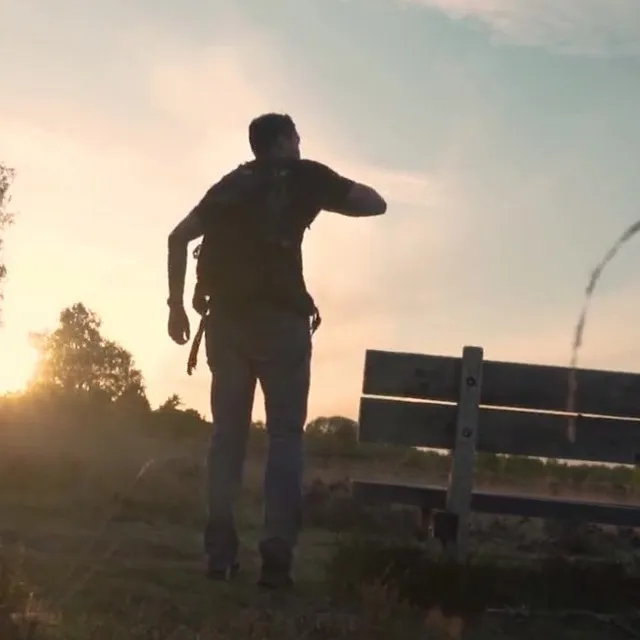
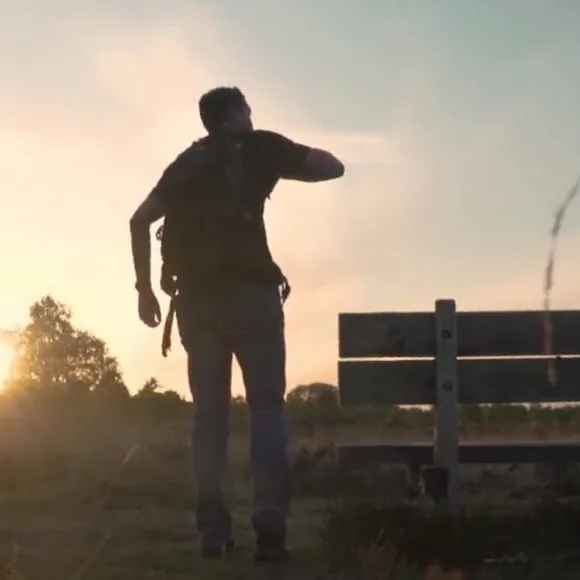
Rotate in 90° steps
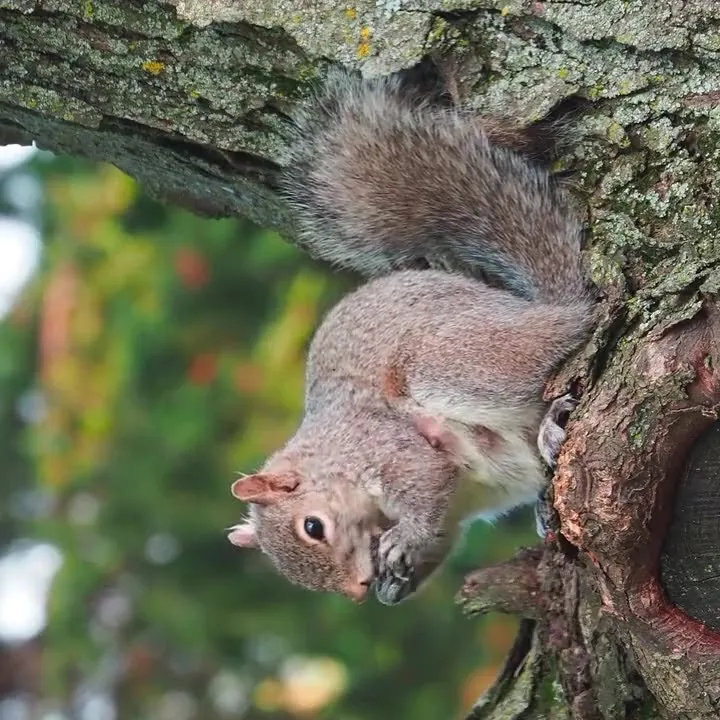
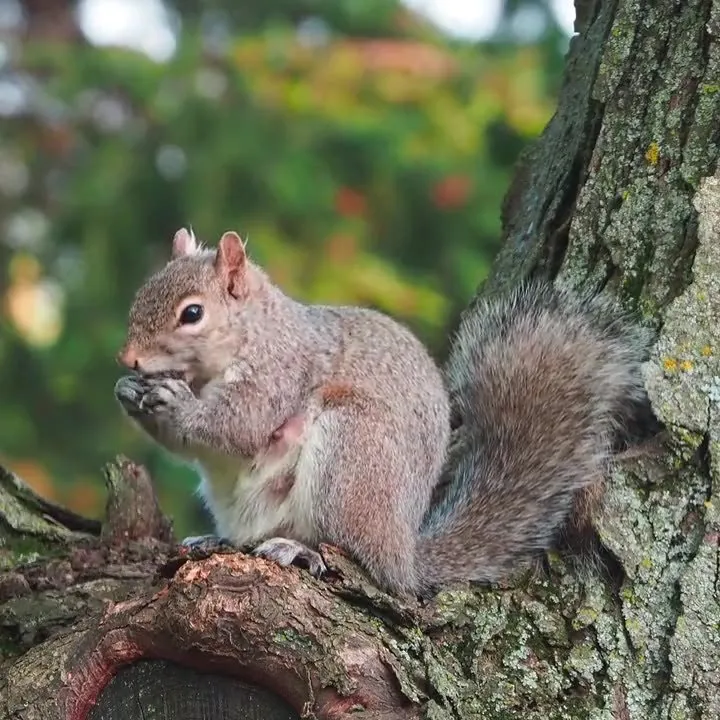
Turn sideways photos upright
Laid on its side for the demo; one click on “Rotate” sets it upright again.
-

Before – lying on its side -

After – rotated by 90°
How it works
Non-destructive in the media library.
-
Tools
Perspective (four corners), rotate in 90° steps, free rotation up to 45°, flip, crop – with preview.
-
Original is kept
Only the steps are stored; sizes are recalculated and get new addresses – no stale cache.
-
Applies everywhere
The edited image appears wherever it is used; focal point and alt textShort description of an image in the page’s code. Screen readers read it aloud, search engines evaluate it; purely decorative images get an empty alt text.w3.org (opens in a new tab) stay.
-
Tutorial
Uploading images, alt text and crops – step by step.
Open tutorial: Tutorial