Demo · core blocks “Image gallery” and “Slider”
Showing images, accessibly.
Gallery as grid, masonry or rows, with a lightbox on click. The slider moves by arrow, dot, keyboard or swipe – autoplay only with a pause button and never with “reduce motion”.
Image gallery
Grid with lightbox
Click an image; in the large view arrow keys browse, Esc closes.
-

Kingfisher · Kanenori/Pixabay -

Squirrel · Amazing3D/Pexels -

Evening light · Danil_Shostak/Pixabay -

Kitten · MrWashingt0n/Pixabay -
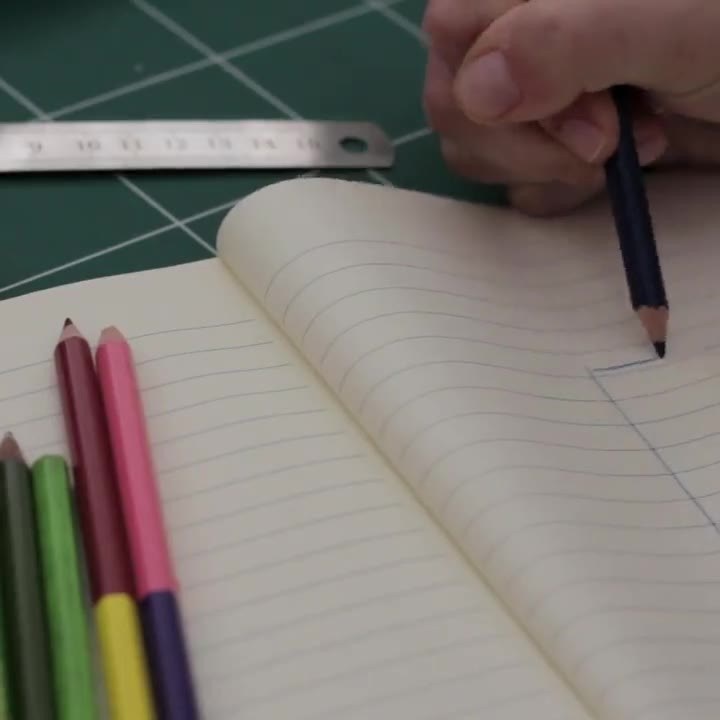
Sketch · Coverr-Free-Footage/Pixabay -

Cappuccino · Visual_Laurence/Pixabay -

Evening walk · Matthias_Groeneveld/Pixabay






Slider – slides with text
Arrows, dots, keyboard (←/→) and swipe.
How it works
Individually or from a collection.
-
Collections
Instead of picking images one by one, the block shows a media library collection – new images appear automatically.
-
Alt texts from the library
You maintain alt text and title once – per language – and they apply everywhere.
-
Accessible
Lightbox and slider are keyboard-operable and respect “reduce motion”.